
Video Denoiser
Enhancers AI clears the grain from a noisy video and hands it back at the same resolution you shot in. Press play on the result and watch one thing: whether the speckles have stopped crawling from frame to frame.
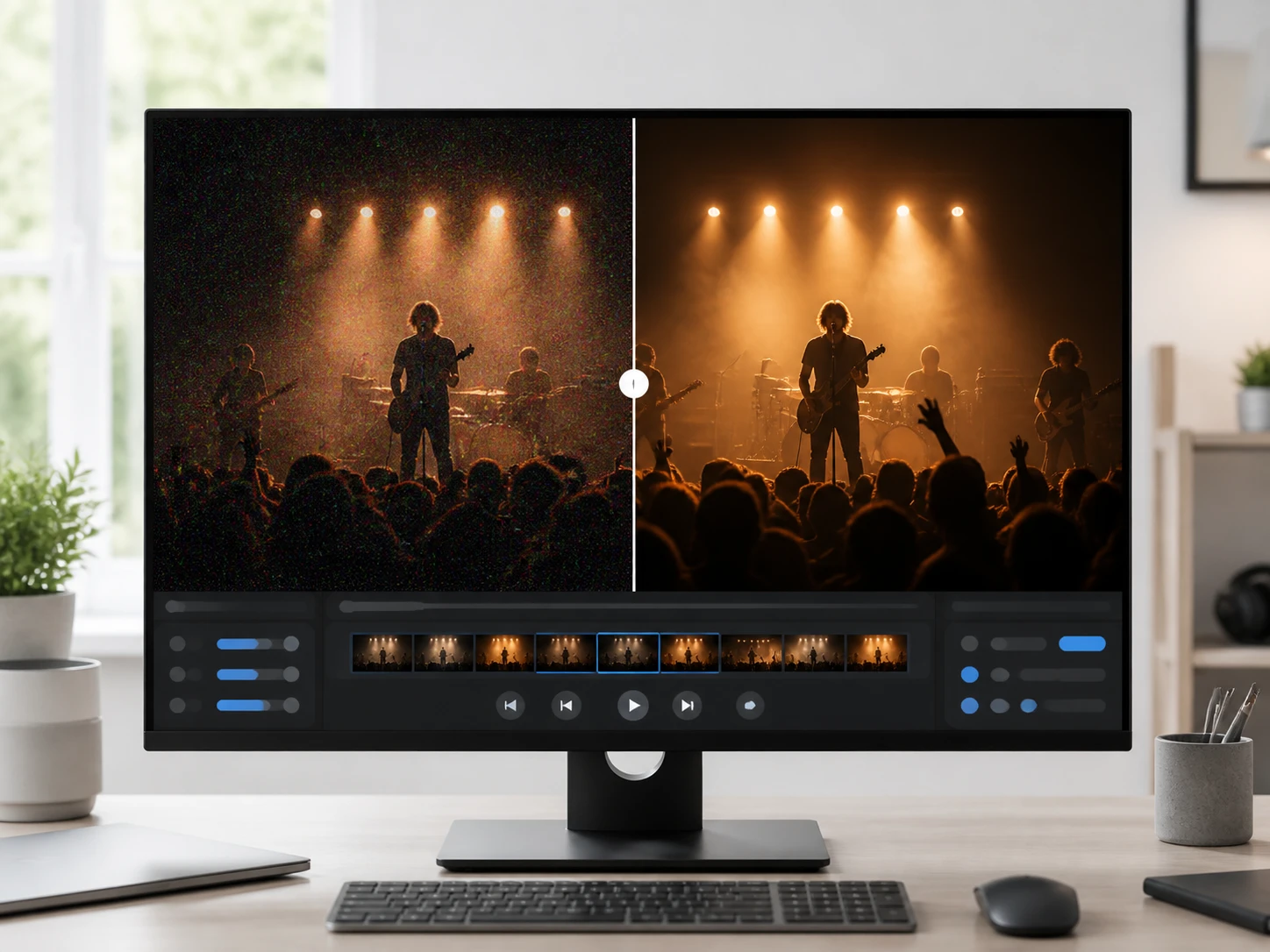
What The Video Denoiser Cleans Up
The video denoiser works as a dependable video noise remover, sorting real noise from the real texture in your footage so each pass cleans the picture without smearing it into a soft blur.
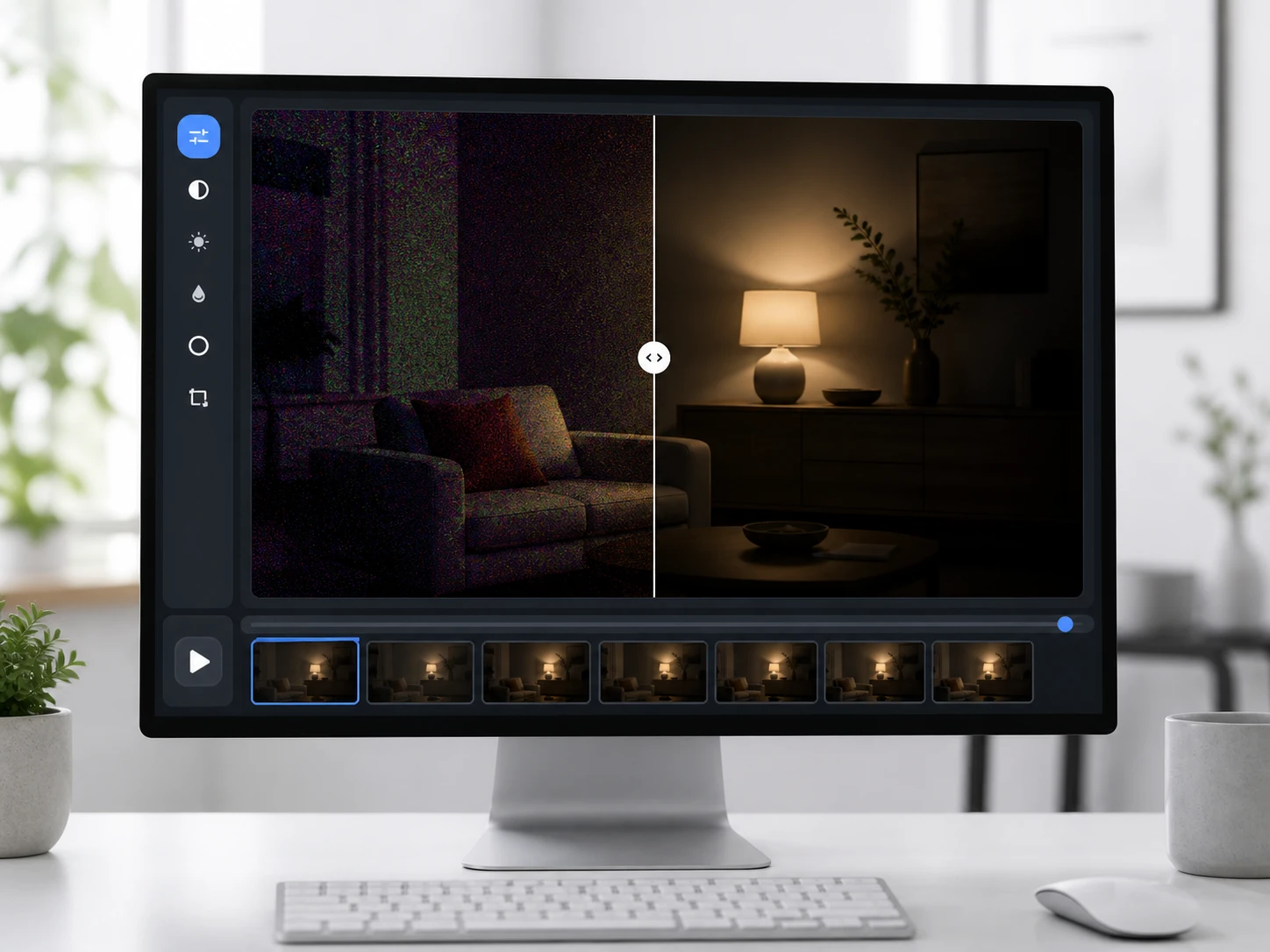
Low Light And High ISO Grain
Footage shot in a dim room fills with grain and colored speckles because the camera lifts its ISO to find light, and that is where a denoise video workflow does its clearest work; drag to the darkest stretch and watch the chroma blotches pull back while the video denoiser holds the shadows in their separation.
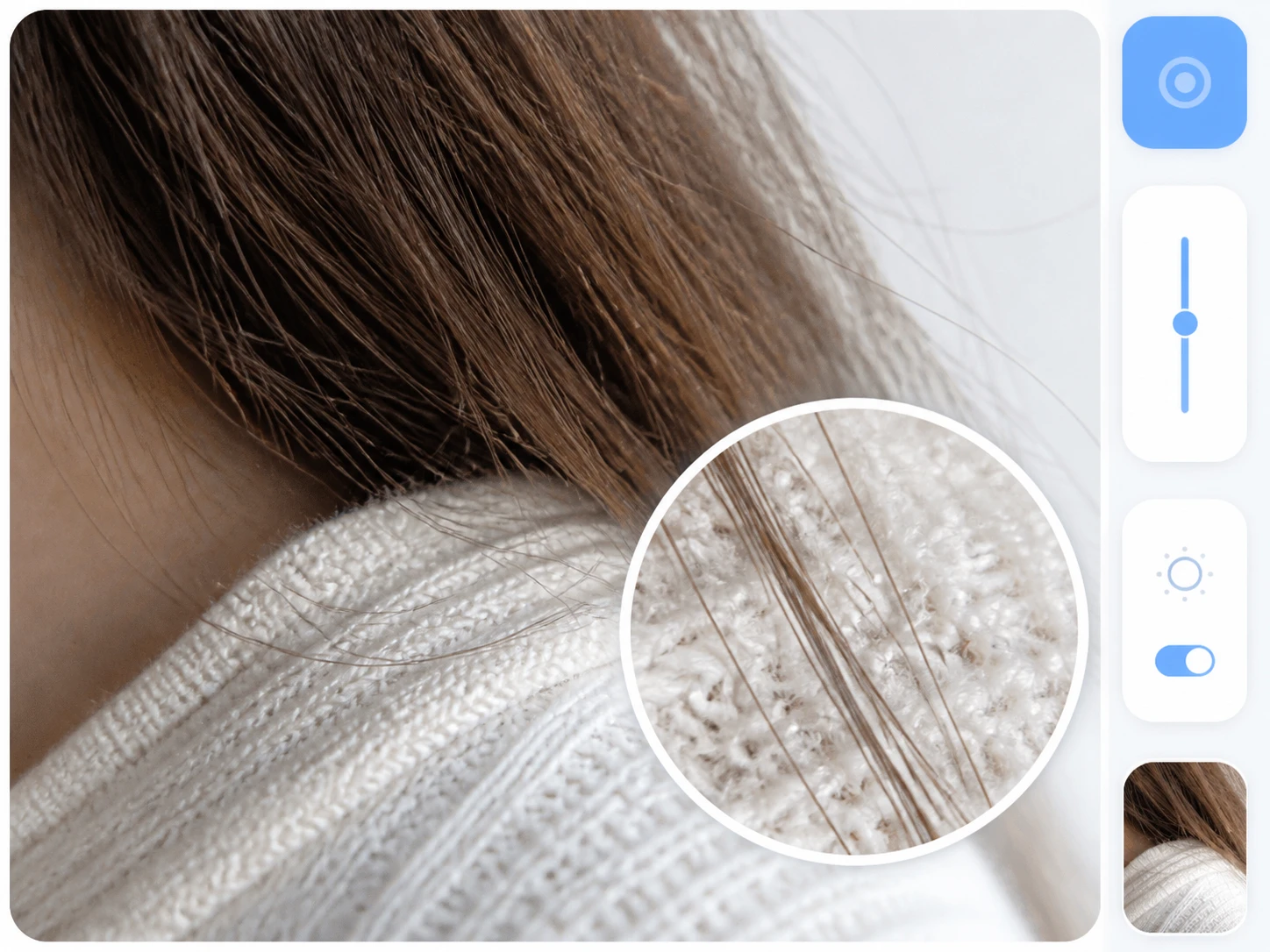
Noise Gone, Real Detail Kept
Clearing grain should not cost you the fabric, hair and leaves that belong in the shot, so the video denoiser holds those textures while it lifts the noise; check the three tells, no trails behind moving things, no smeared weave, and a face that still reads as the same person.
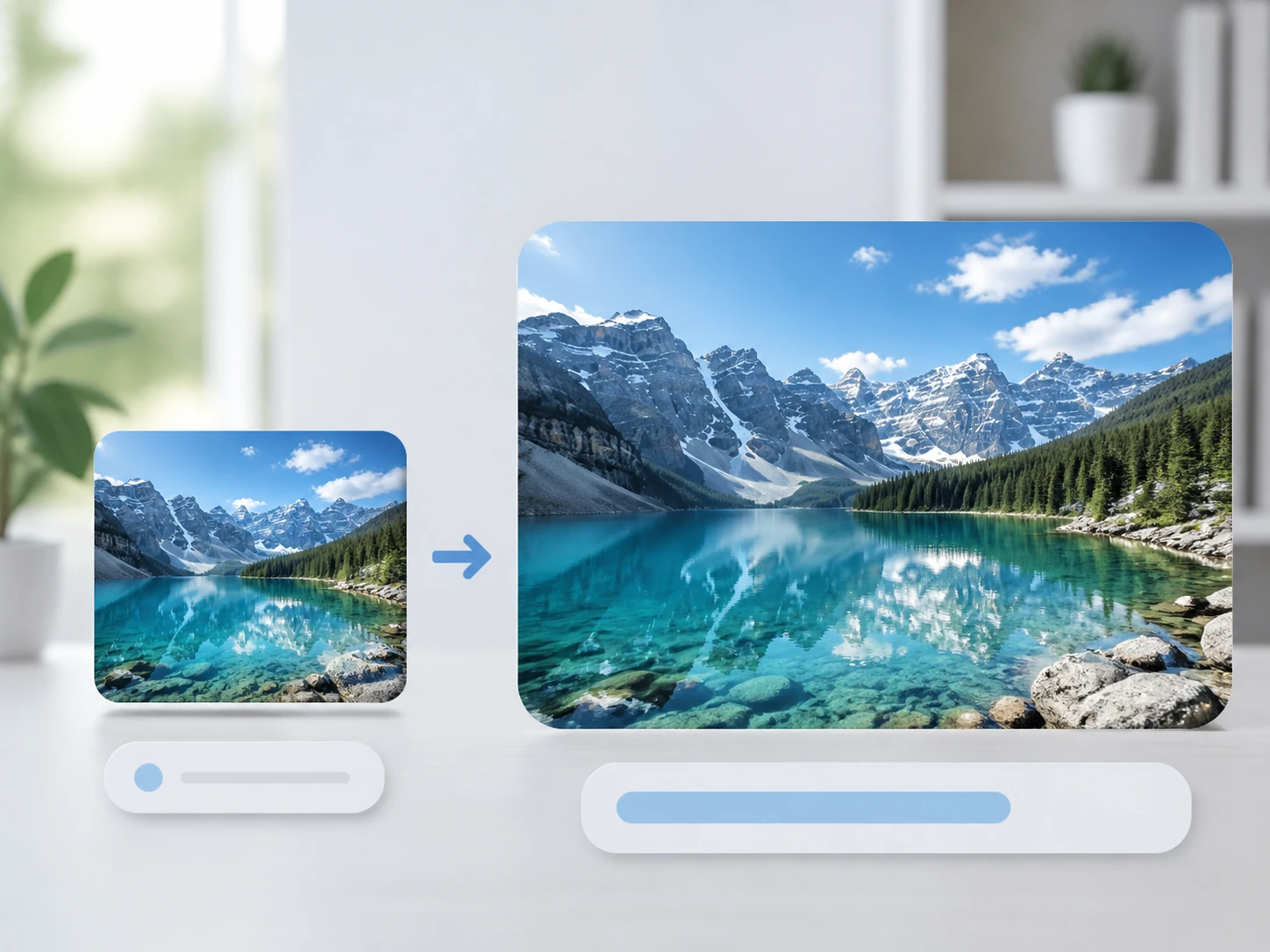
Denoise First, Then Reach 4K
The video denoiser leaves the resolution alone by default, which is usually what you want, yet the same workflow carries a clean clip up to 4K when a project genuinely needs a bigger frame; you clear the noise first and settle on size second.

Blocky Compression Artifacts Removed
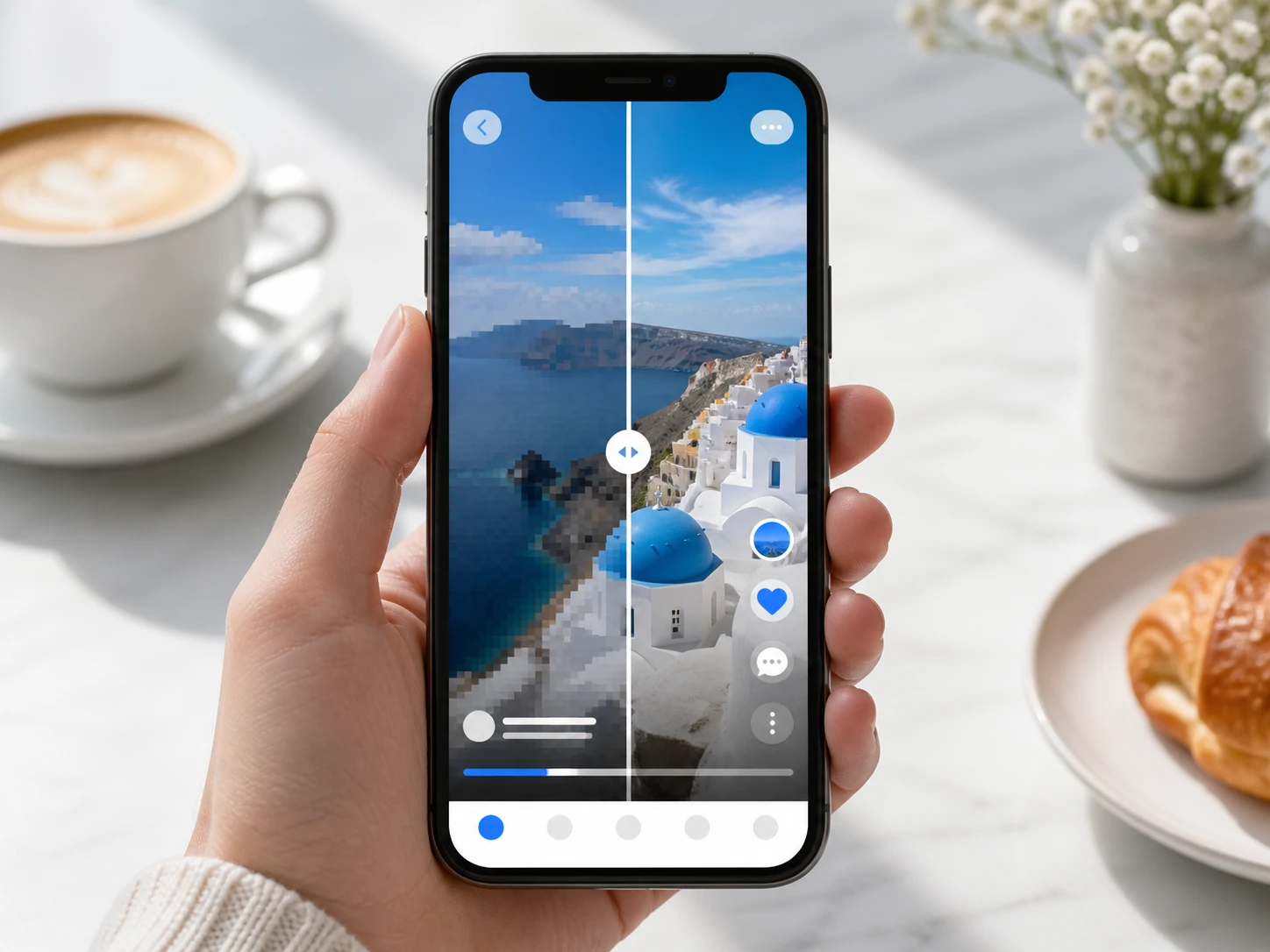
A clip reposted and saved again a few times shows blocks and dirty color edges more than plain grain, and this video artifact removal step clears them so a wide patch of one color, a ceiling or a backdrop, stops jumping block to block; it is the kind of remove artifacts from video cleanup reposted footage always needs.
Run The Video Denoiser In Three Steps
Upload the footage, let the video denoiser match it, then judge the result by playing it through rather than trusting a single frame.

Upload Your Footage
Drag your clip in or click to upload, in MP4 or MOV, and send more than one at a time when you have a batch to clear; your uploads land in your Enhancers AI account space with a history you can come back to.
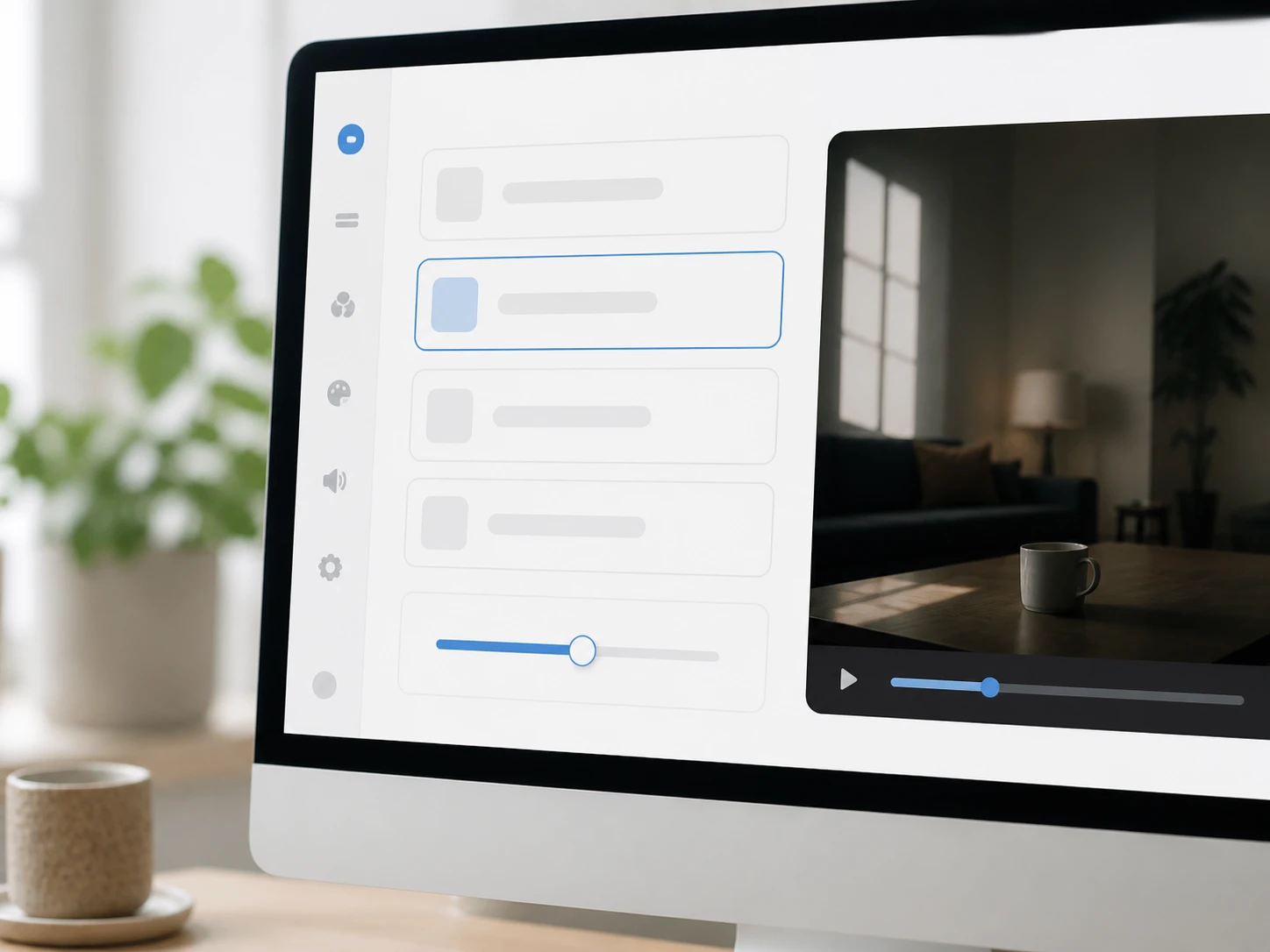
Let It Match Your Clip
The video denoiser reads your footage and sets the denoise strength on its own, or you take over by choosing a model or a use case so the settings fill in for you; either way it keeps the noise separate from the detail you want to hold.
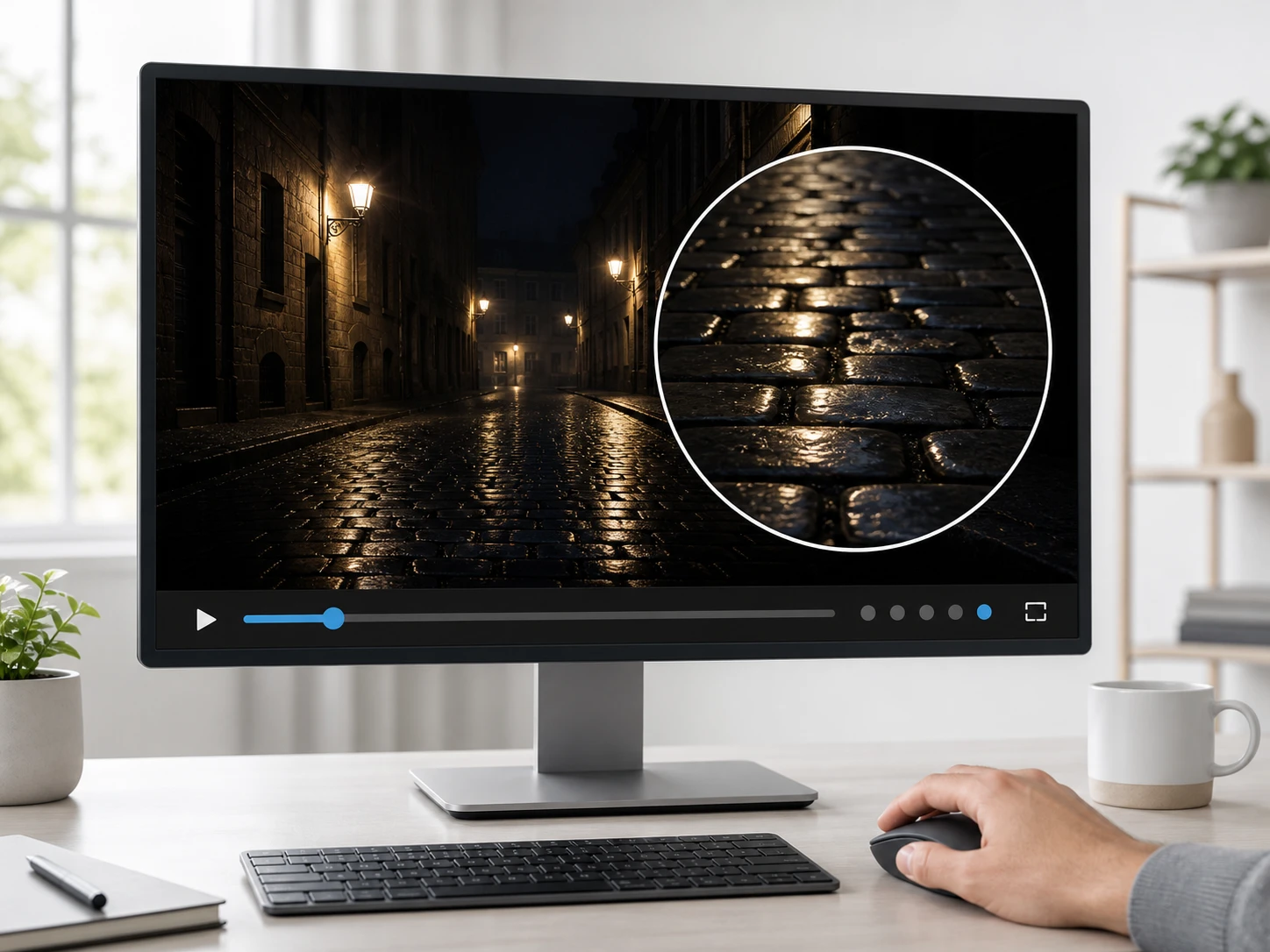
Play It Back And Check
Let the video denoiser run through once and watch whether the speckles still crawl frame to frame, drag to the darkest stretch to see if the color blotches cleared, and look behind moving things for trails; if it went too soft or is not clean enough, adjust the denoise strength and run it again.
Where A Video Denoiser Earns Its Place
Different sources go noisy for their own reasons, and the video denoiser gives each one its own tell you can check.
Grainy Video
The light at a night ceremony or a stage set is whatever the room gives you, so the camera trades brightness for grain across every dark area; upload the clip, let the video denoiser clear the grain, and drag to the darkest stretch to confirm the blotches stepped back before you hand it over.
Noisy Video
A webcam or a remote recording made under weak indoor lighting pushes its own gain until the noise crawls the moment anyone moves; feed it to the video denoiser and run it through once after cleanup, and the picture should hold steady instead of shimmering.
Reposted Social Clips
Footage that traveled through several reposts arrives carrying blocks rather than fine grain, and a big flat area of one color is the giveaway; once you make video less grainy and clear those blocks, the video denoiser stops that patch flickering and the clip is fit to post again.
Late Night Phone Footage
You film something on your phone at night and the screen looks fine until you cast it to a big display where the grain is everywhere; drop it in, let the video cleanup ai settle the noise, and keep the frame the exact size you shot.
Who Reaches For This Cleanup
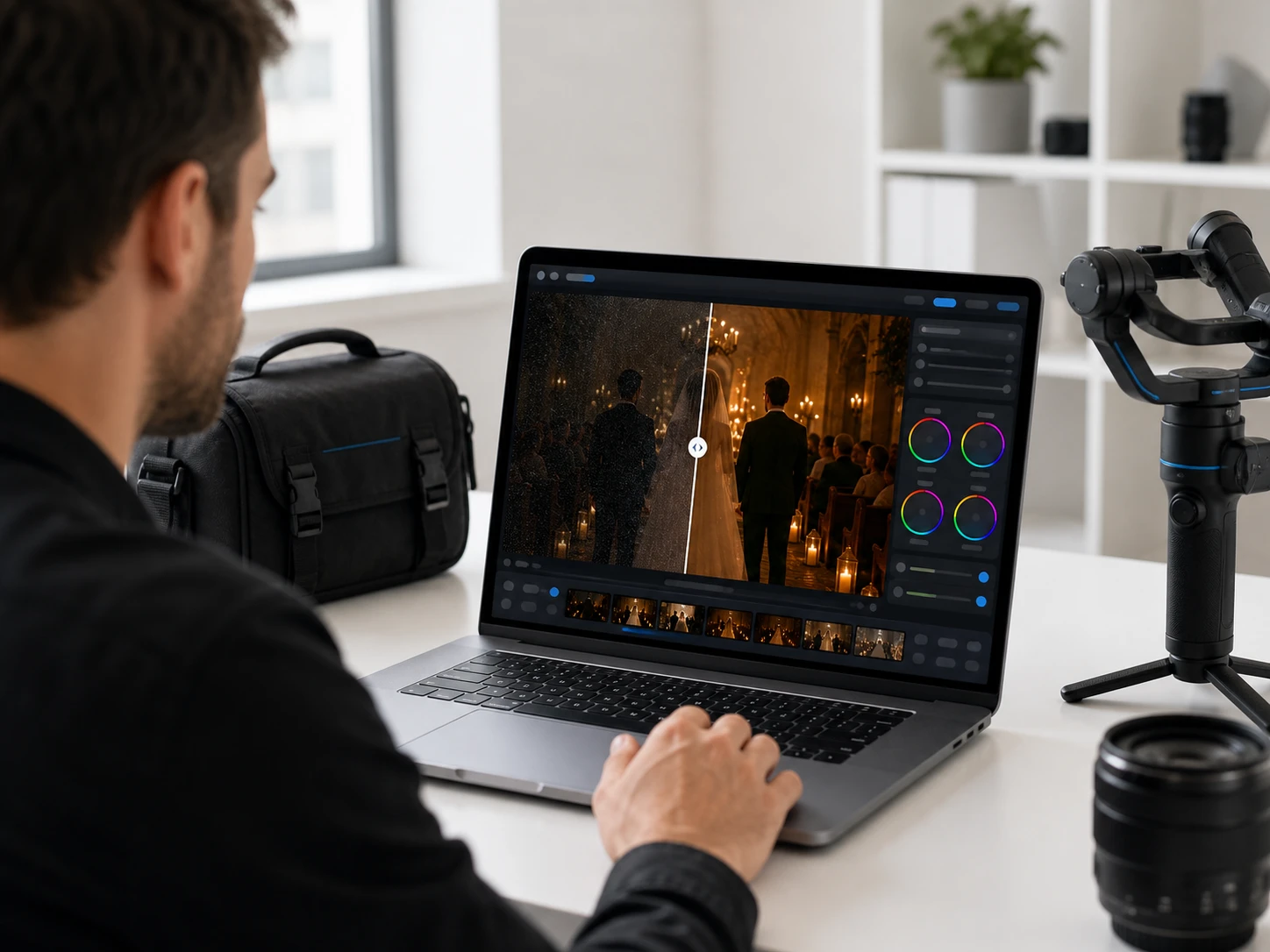
Low Light Events And Weddings
A ceremony does not pause for the lighting, so footage from a dim hall comes back grainy and there is no reshoot; before the files reach a client, run each one through the video denoiser and confirm the dark areas came back clean.
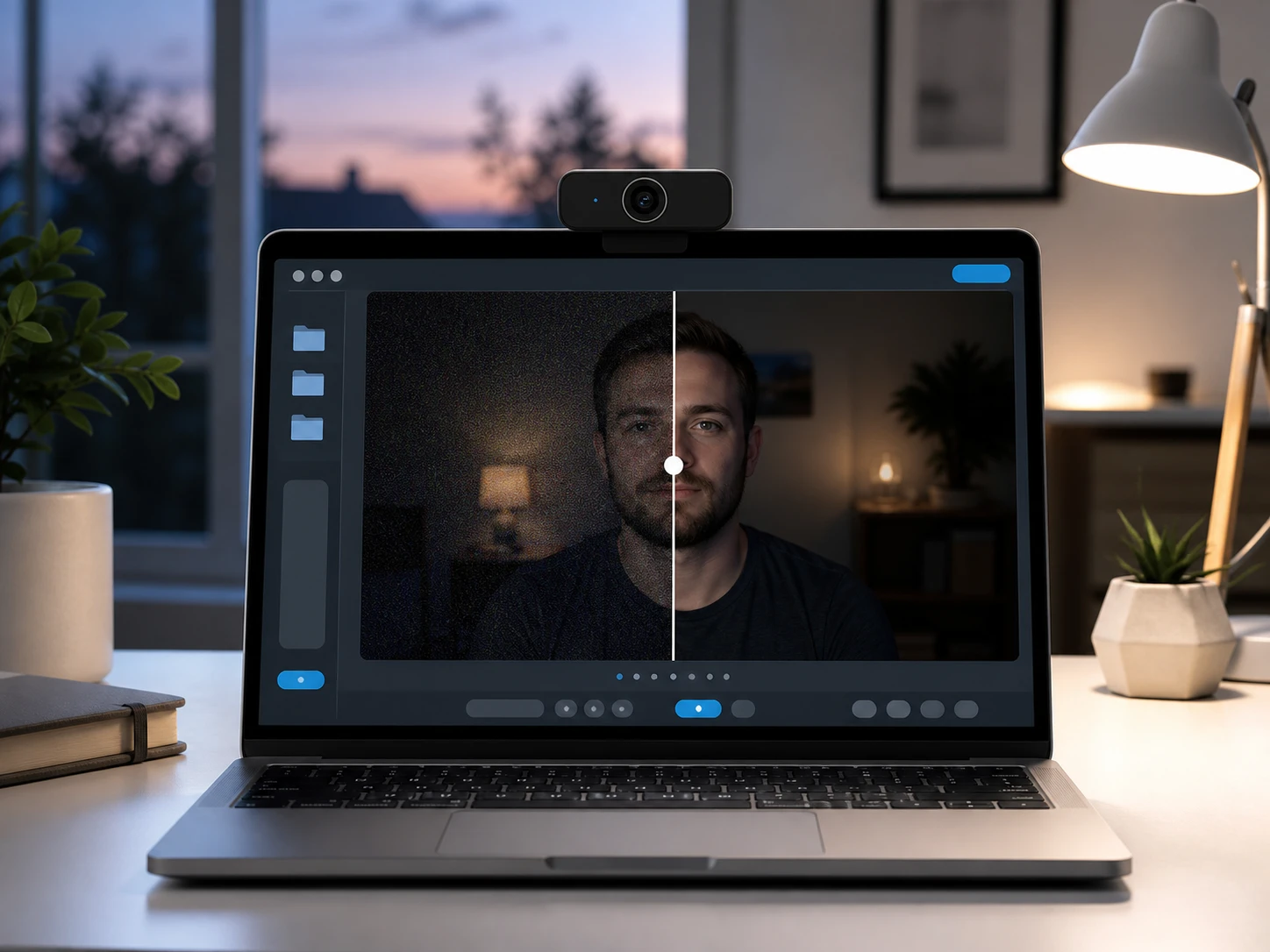
Webcam And Remote Recordings
A meeting room or a home office rarely has enough light, so the webcam lifts its gain and the recording turns noisy; used as a video grain remover, the video denoiser tidies that footage into something you can archive or send on, checked by playing it back.
Saved And Reposted Footage
When a clip has passed through several hands before it reaches you, blocky artifacts read worse than the grain, and clearing them with the video denoiser is what makes a reposted grainy video watchable again instead of a smeary mess.
Questions Before You Denoise Footage
Clean Up Your Noisy Video Today
Bring the noisy footage you already have and run the Enhancers AI video denoiser online in your browser, starting with one test clip.