
Explore More Enhancer Features
Enhancers AI is a video enhancer plus the photo tools around it, each capability with its own check to run.
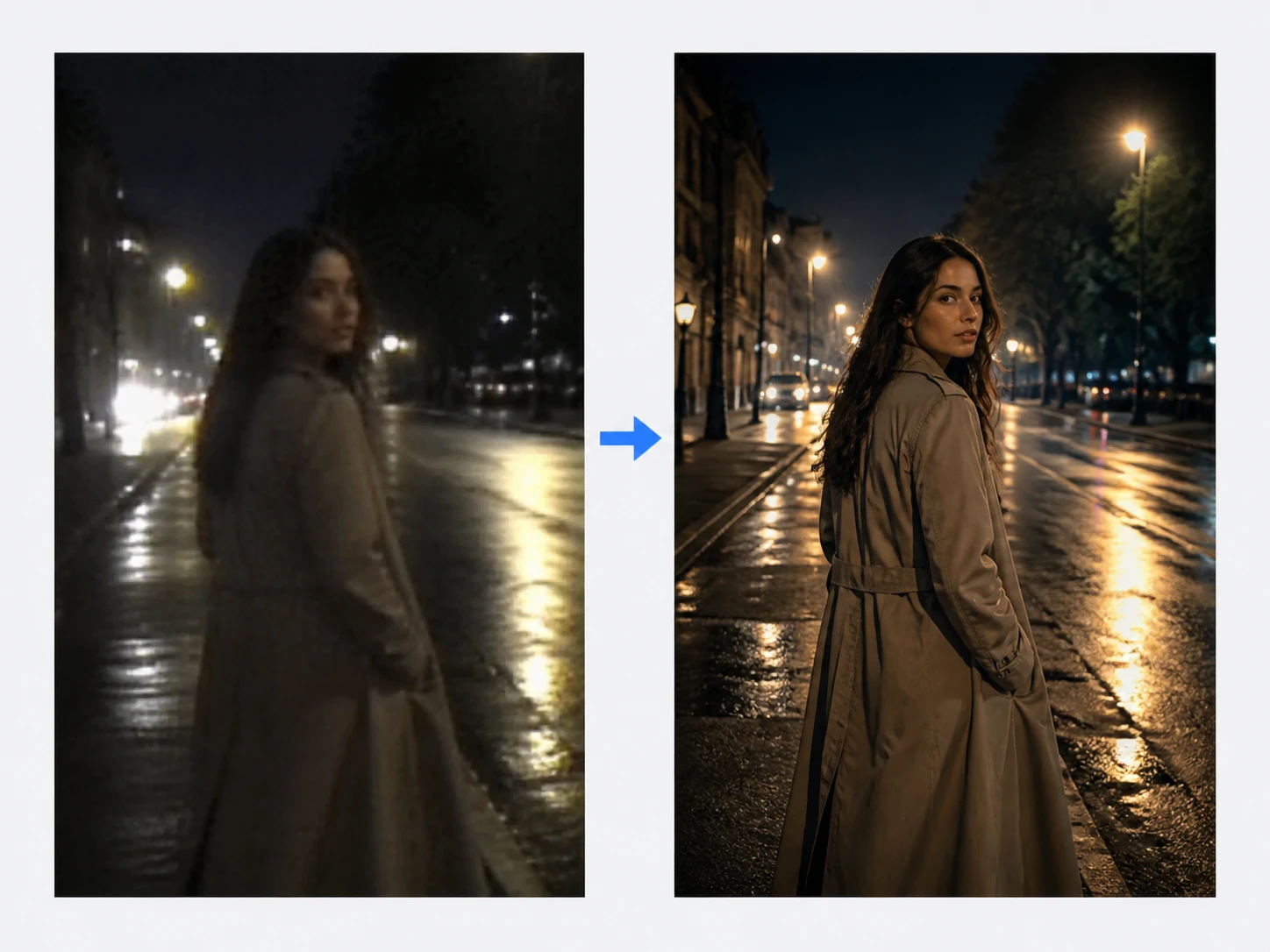
Video Enhancer
Low resolution clips move up to 4K under the video enhancer, gain 60fps motion, and have their noise cleared in the same workflow, and then you pull the worst frame to full size to confirm the edges actually separated. This is the video enhancement core of Enhancers AI.

Image Enhancer
Still photos run through the image enhancer, upscaled as far as 8K with content aware detail added back, so you can zoom to 100 percent and watch whether content fitting texture returns or the picture just grows larger. This ai image enhancer handles the stills sitting around a project.

Face Enhancer
Every face in the shot has its detail rebuilt, with pores and stray hairs back in focus, so you can enlarge a face and read whether the skin looks natural rather than plastic. Detail comes back on the same face you uploaded, with no face swapping and no new faces generated.
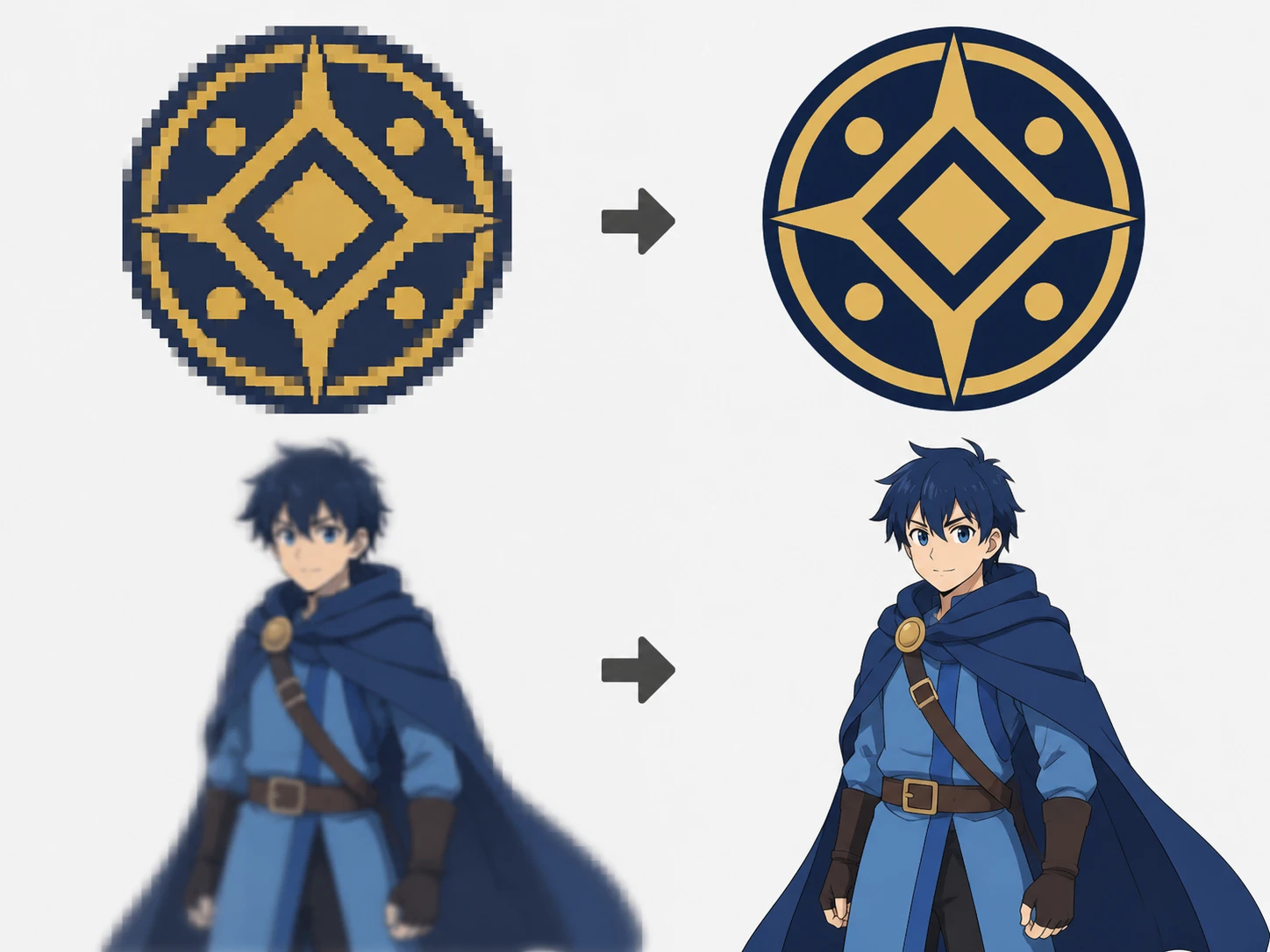
Graphic Enhancer
Logos, illustrations, and old anime frames climb to print resolution as the graphic enhancer holds their edge lines clean, which lets you enlarge a flat color block and check that it has not gone blotchy.
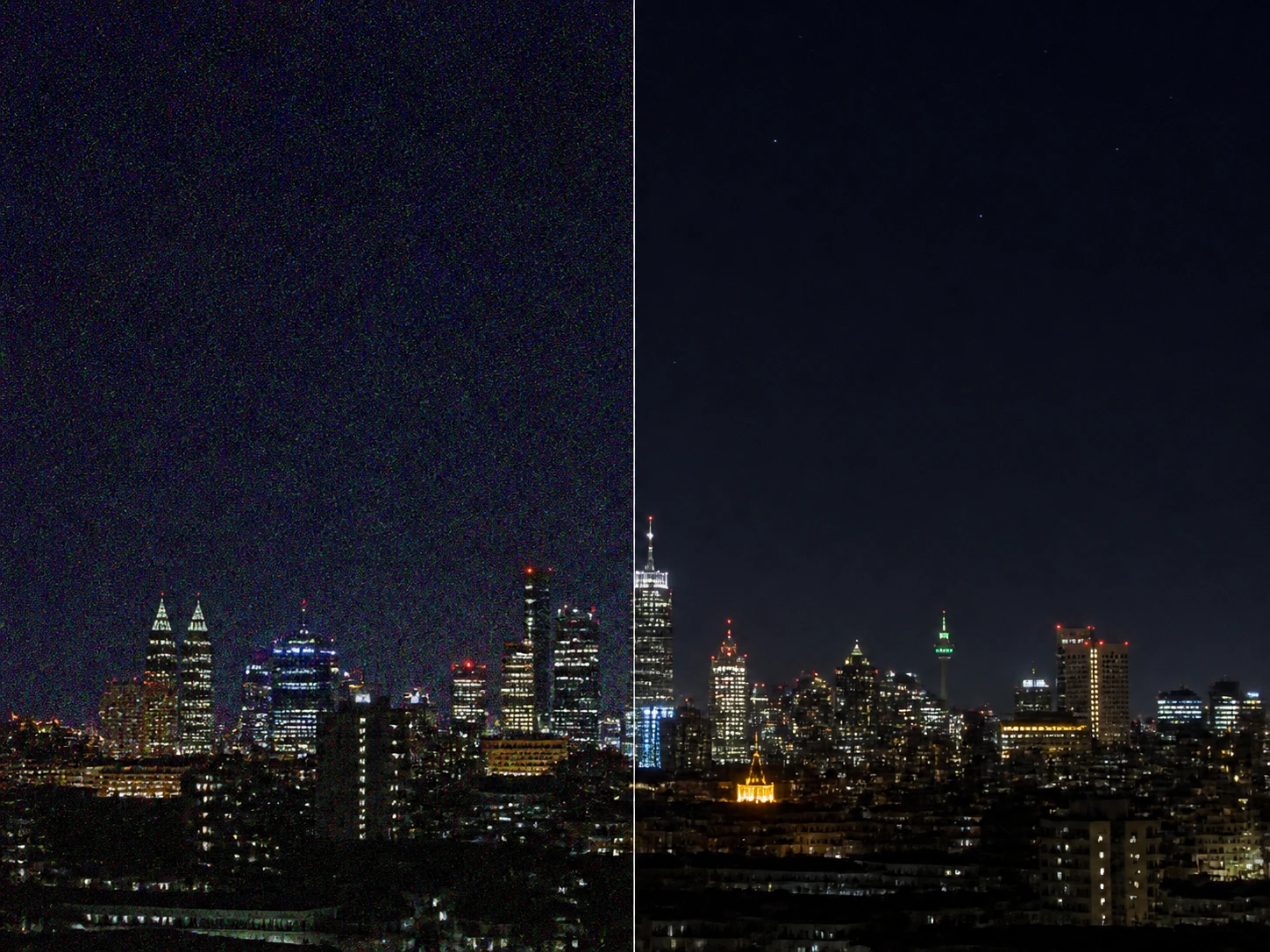
Image Denoise
Photo grain, high ISO speckle, and compression blocks are reduced cleanly by the image denoise tool, and because denoise sits in the same workflow you can keep upscaling afterward, so pick a flat wall or a patch of sky and see whether it reads clean without turning waxy.

Image Sharpen
Soft, slightly out of focus, and mildly motion blurred pictures get their clarity rebuilt according to what caused the blur, with only the soft regions touched, so you can enlarge an edge and watch it separate instead of ringing with a halo.
Who Reaches For Enhancers AI
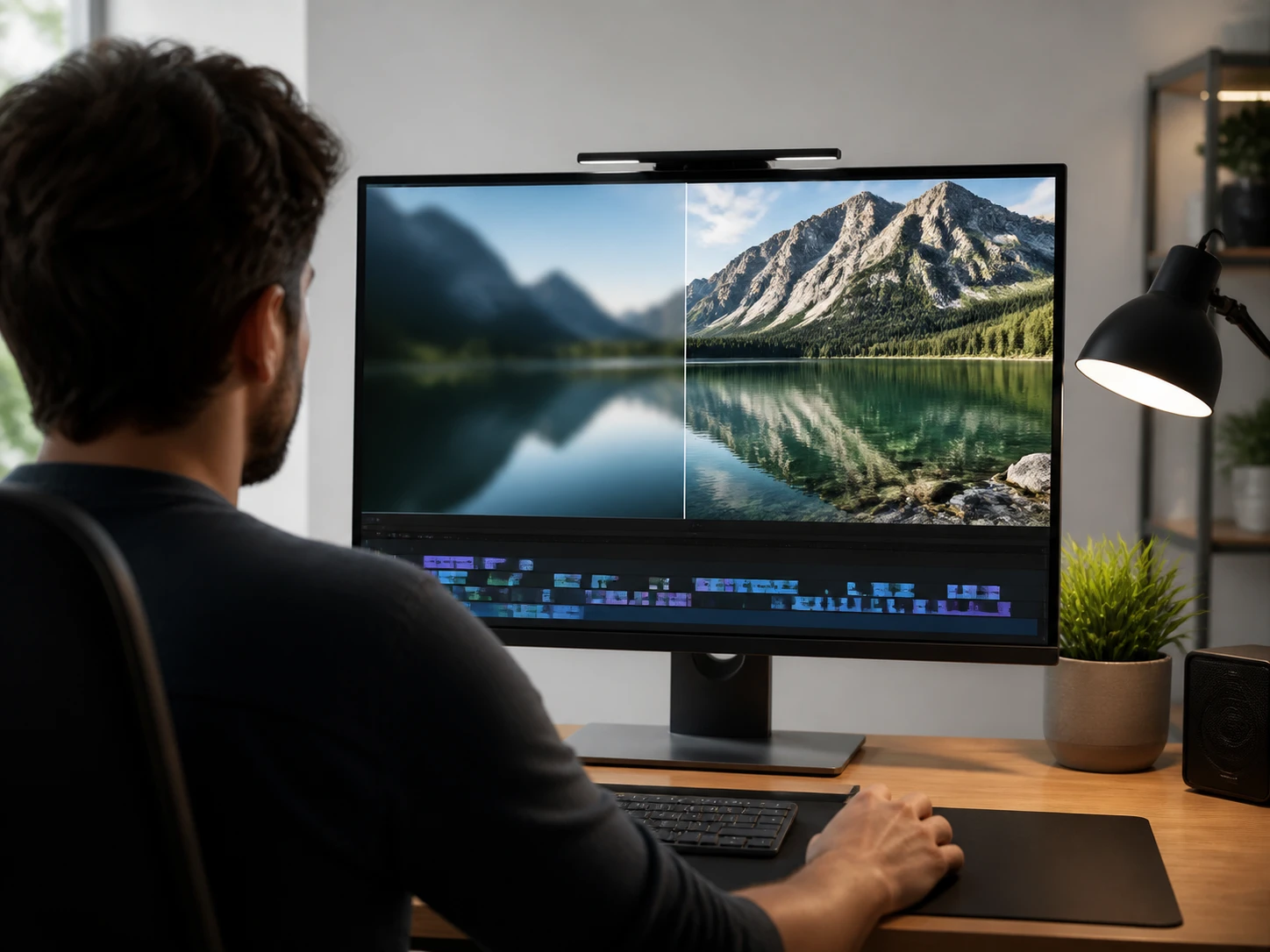
Footage That Must Match A 4K Timeline
You are cutting old material and compressed clips into a 4K sequence, and a frame that looked soft in the preview only shows it once it lands on the master timeline, so before you commit the whole edit you run the video enhancer and pull the worst frame and look at it full size.

One Clip That Represents You
This is your intro reel or a talking head archive clip, the single piece that stands in for you, and the other side will watch it full screen, so the video enhancer processes it and then you study your own face and any on screen text at full size before you send it.
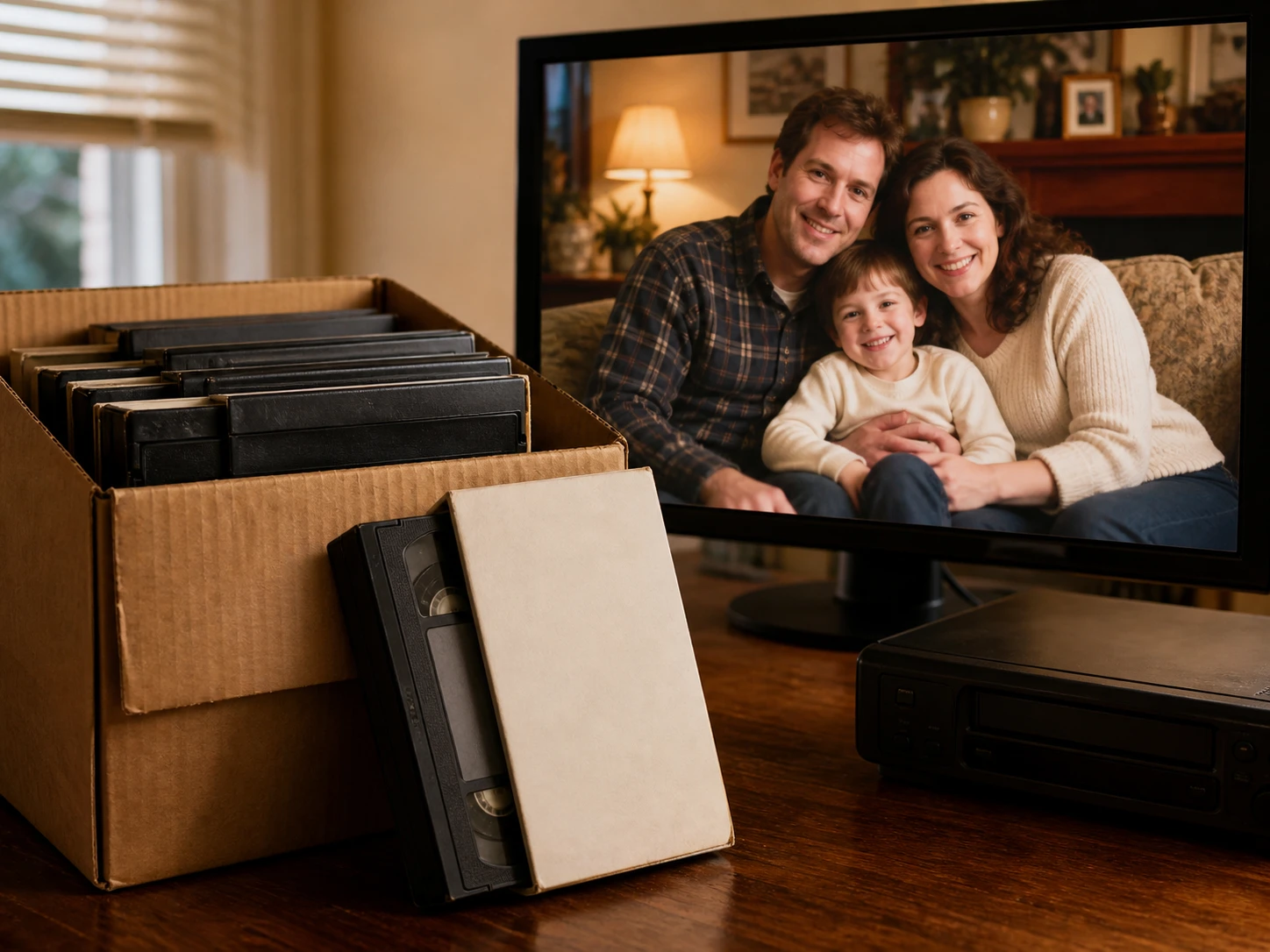
The Only Copy You Still Have
You are digitizing a box of tapes where the clip in hand is often the only surviving version, so there is nothing original to hold it against, and after the video enhancer you judge the result against the people and places you remember.
What Makes This Video Enhancer Different
Every claim about this video enhancer comes with something you can look at, not just a promise from Enhancers AI.
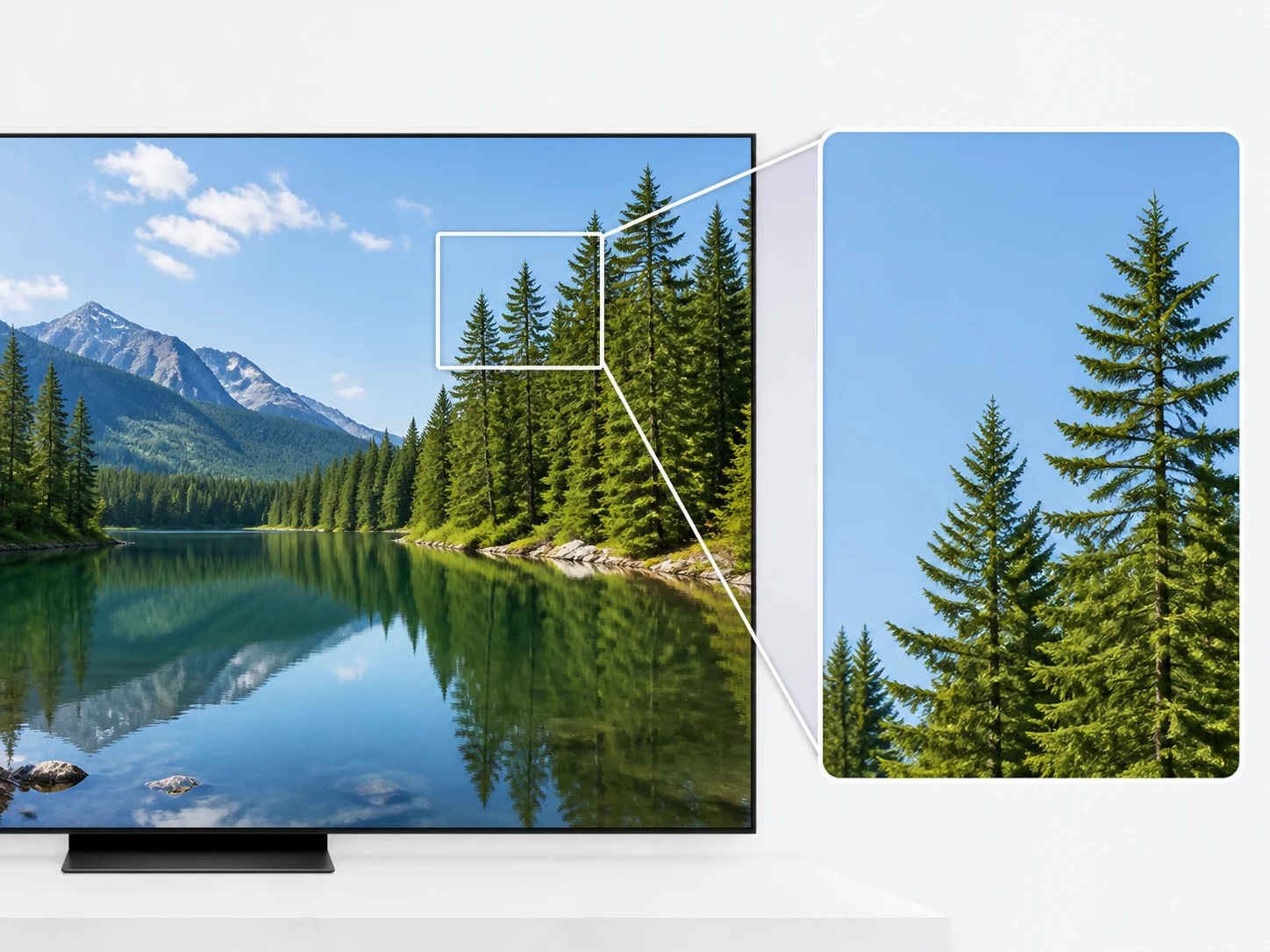
The Video Quality Enhancer You Verify
After the upscale to 4K, pull one frame from the roughest, most compressed stretch and open it at 100 percent: the edges that should separate do, the flat areas stop blocking up, and the parts that were already sharp still read. Nothing on this page proves the video enhancer worked except that frame.
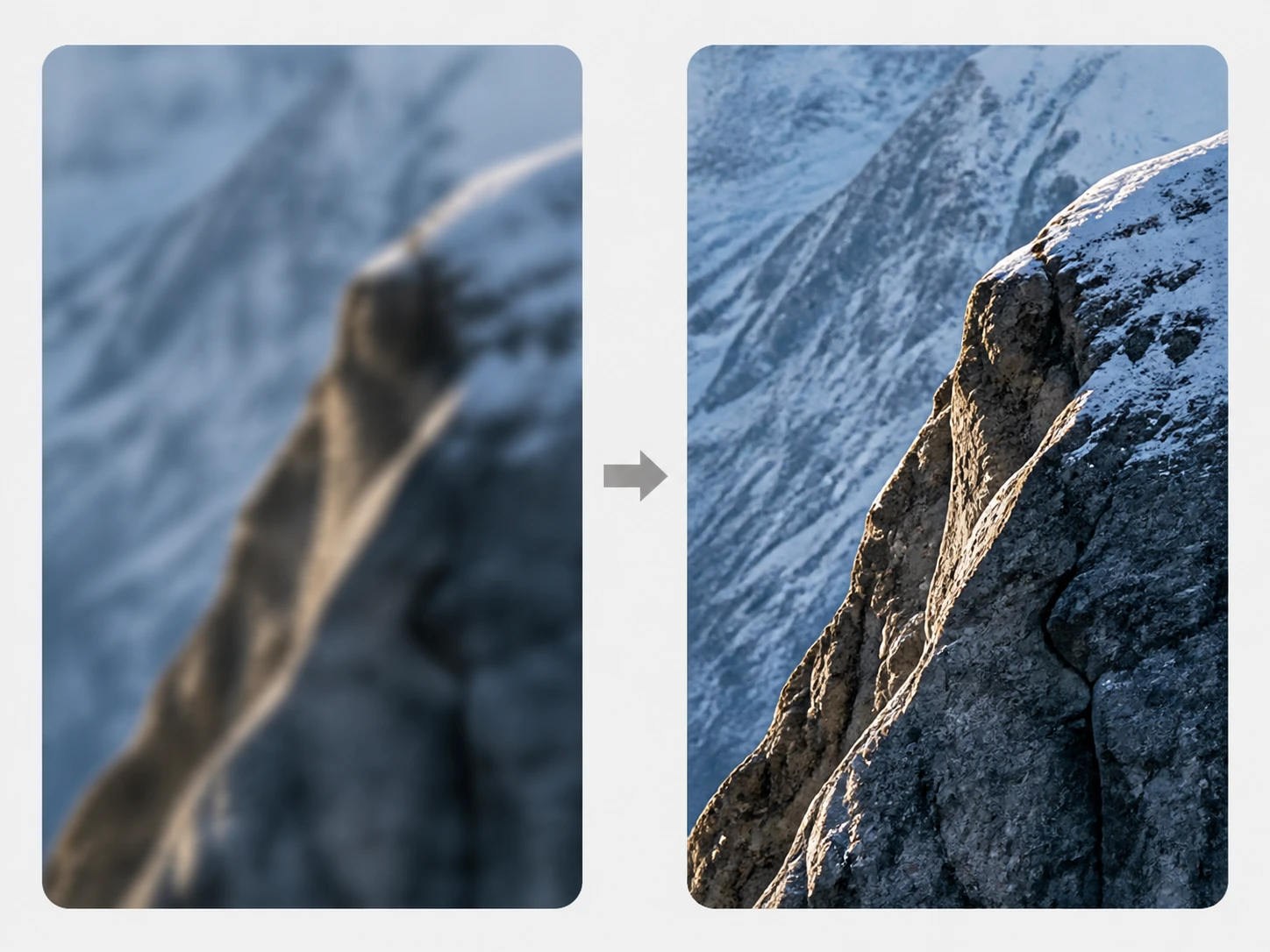
Rebuilt Detail, Not A Bigger Blur
Missing pixels are reconstructed by the video enhancer from what the frame already contains, so an edge genuinely separates rather than becoming a wider smear, and the added detail fits the scene instead of restoring something the camera never caught. It behaves as a video resolution enhancer that rebuilds rather than stretches, and to enhance video resolution it adds only what the picture already implies.
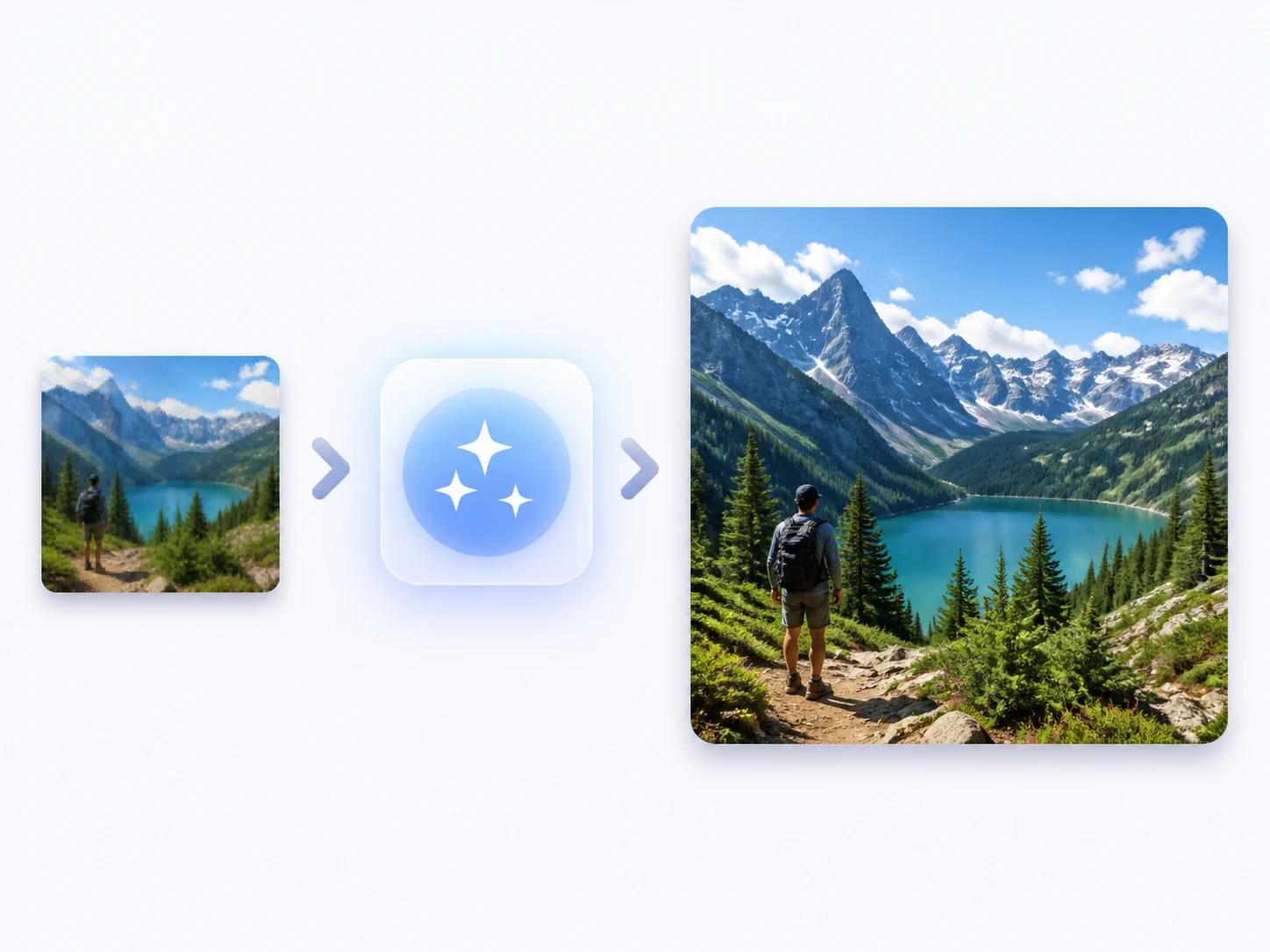
Upscale, Smooth, And Clean Together
Resolution, 60fps interpolation, and noise or AI artifact cleanup all finish in the same processing flow, so a compressed clip never needs one tool to clean it and a second to enlarge it. It works as an online video enhancer with nothing to install, so you upload in the browser and start.
A Clean 4K File To Download
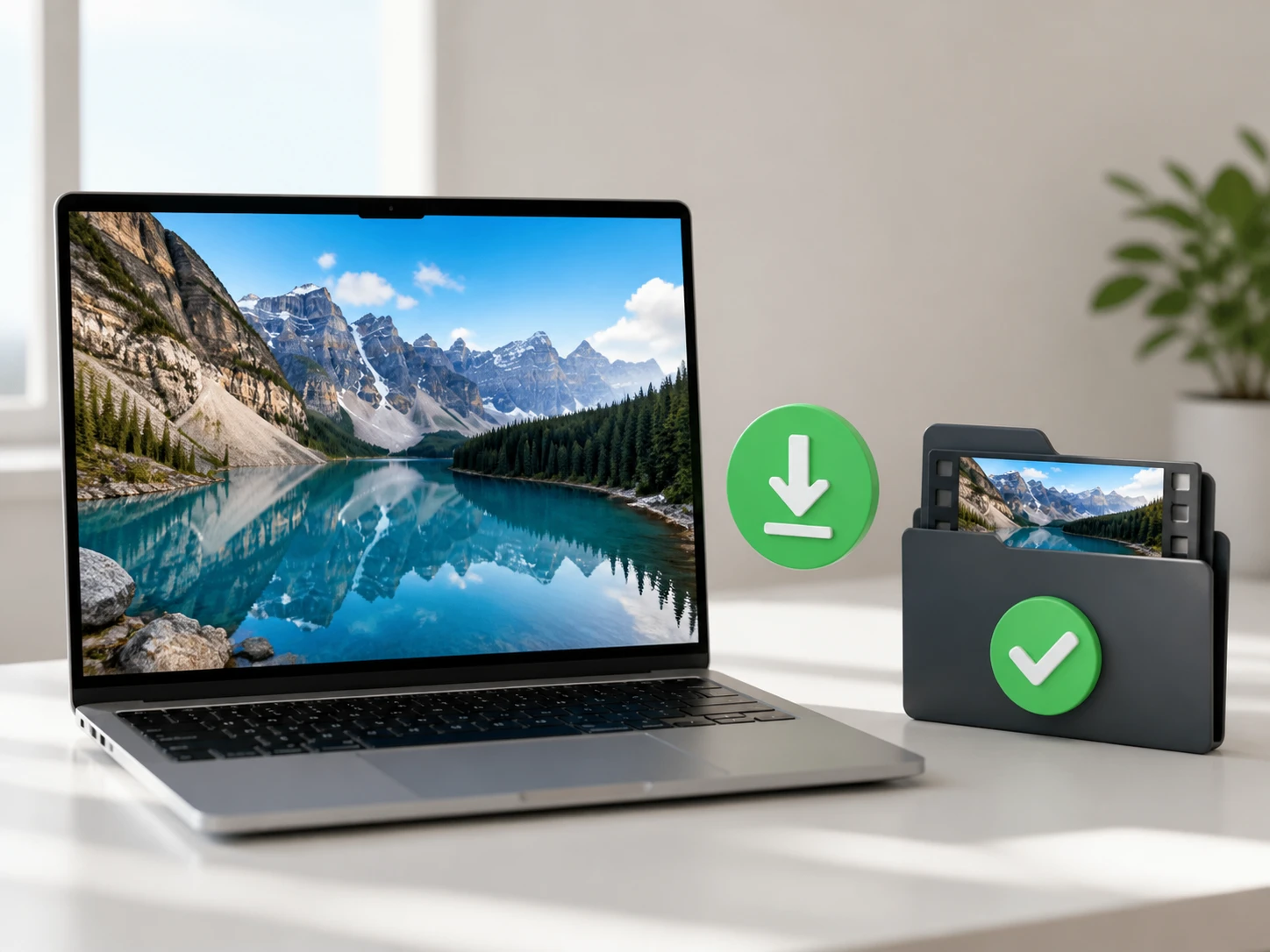
When you need 4K delivery, the video enhancer processes the clip to the 4K ceiling and the export comes down without a watermark, so the file you hand over is the file you checked; a 4k video enhancer is only worth it when the download matches the frame you approved.
From Upload To A Verified File
Three steps, and the last one is where you actually check the work.
Add Your Video
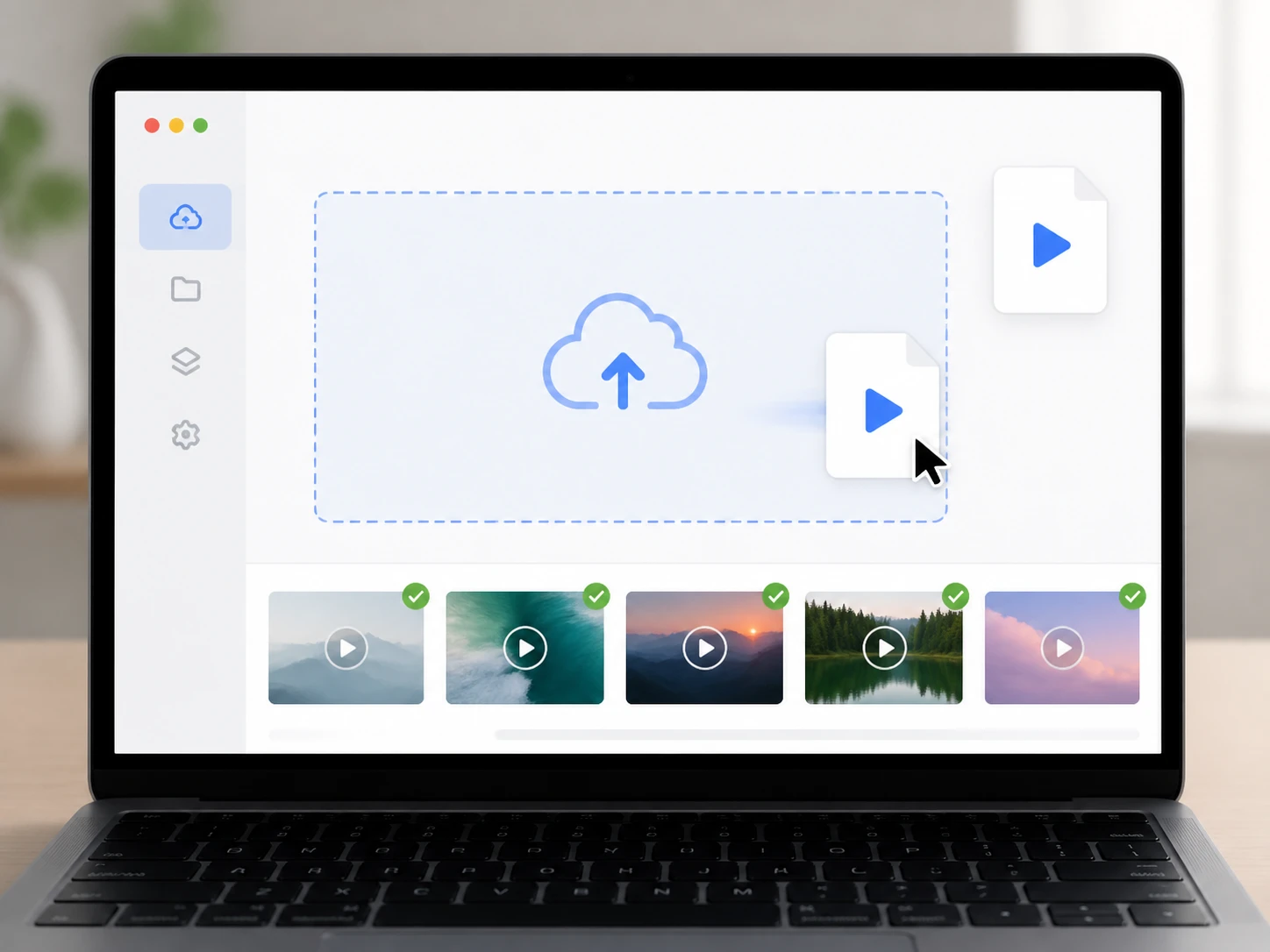
Drag in or click to upload your footage as MP4 or MOV, and load several clips at once when you have them; the files and the finished versions stay in your account, so the video enhancer keeps the processing history waiting when you come back.
Let It Run Or Take Over
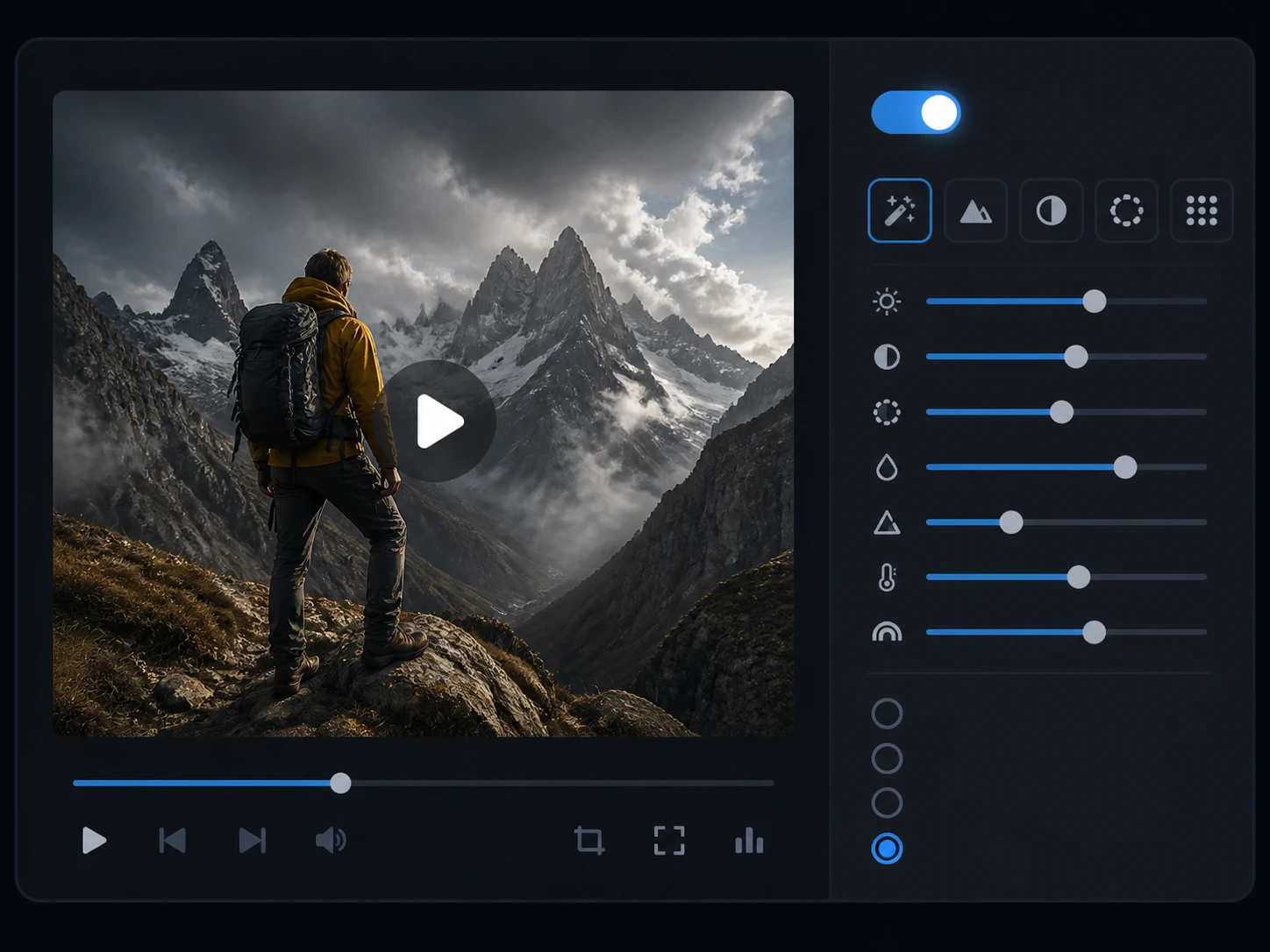
By default it reads your clip and selects the matching video model with the settings already filled in; to take control, choose a model yourself or pick a use case and adjust the sliders, then set the target resolution up to 4K with the video enhancer.
Compare, Rerun, Then Download
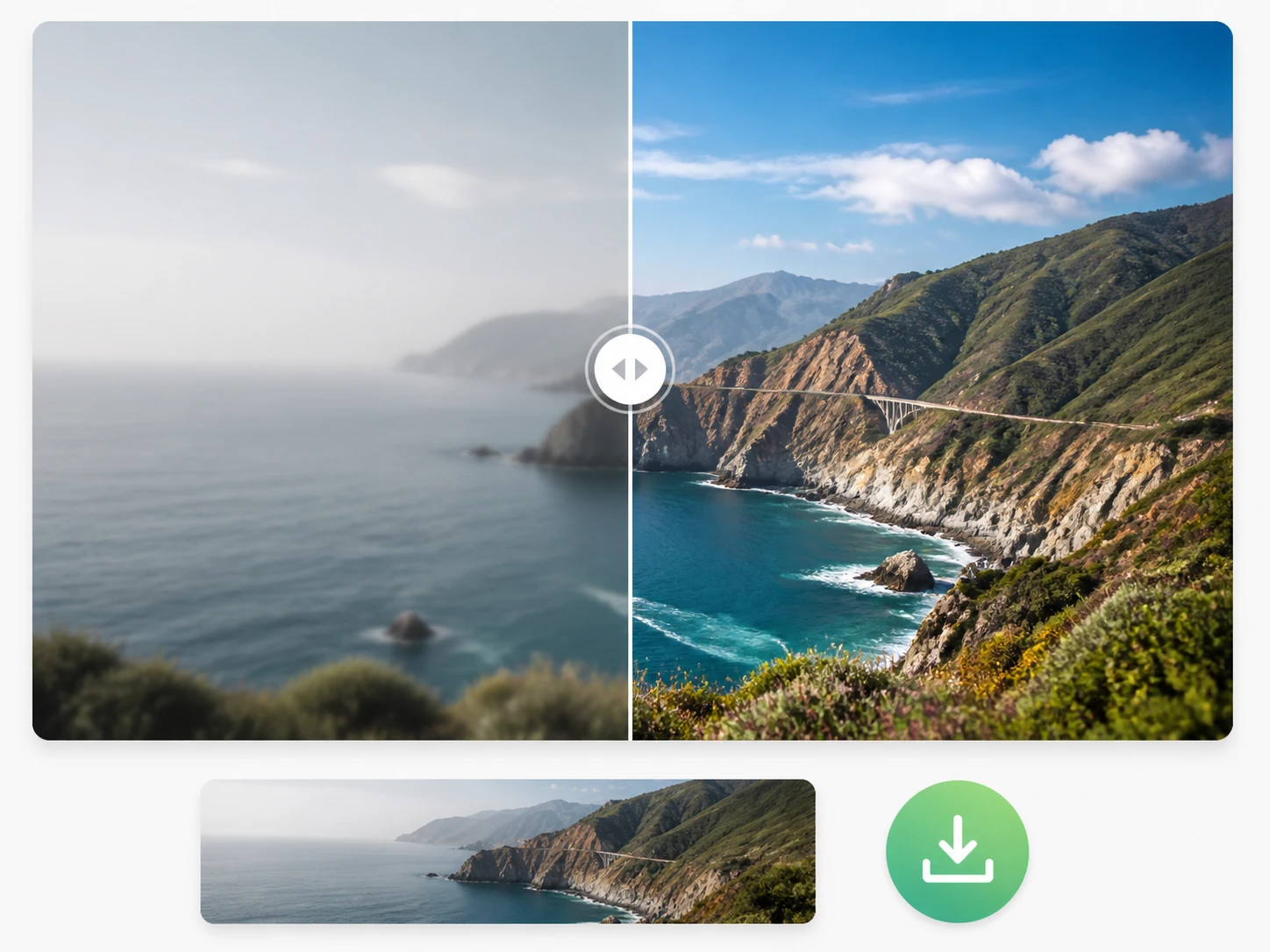
Once the video enhancer finishes, compare it with the original, pull the worst frame to full size, and read the edges, the flat areas, and the smallest text; if one thing is off, switch the model or use case and run the video enhancer again, and when it holds up, download the clip with no watermark.
Where The Video Enhancer Fits
Real situations, each with the one thing to check before you trust it.
Enhance Old Video
A digitized home tape is often the only version left, with no original to hold it against, so once the video enhancer rebuilds it you weigh the result against the people and the room you remember, expecting detail that fits the scene rather than facts the camera never recorded.
Enhance Video To 4k
Your final cut needs 4K while the source sits at 1080p, so you upscale video to 4k up to the ceiling and then pull frames to read the edges and the flat areas, keeping in mind that with the video enhancer 4K is the top and nothing sits above it.
Enhance Youtube Video
Early uploads on your own channel went out at 720p and now need reuse, so you run them through the video enhancer and look at two things, whether the compression blocking around motion has cleared and whether the caption area is still legible.
Enhance Low Quality Video
A client wants a clean master from footage that is not sharp enough, so the video enhancer processes it but you hold the handoff, pulling the worst lit frame to full size for one honest look before it goes out the door.
Questions To Settle Before You Run It
Run One Clip And Check It Yourself
Upload a single file, take it up to 4K, and pull a frame at full size before you decide; the video enhancer keeps the result in your account to download. Start with 10 free credits, and claiming them at signup takes no credit card.