


Face Enhancer
Enhancers AI face enhancer returns a face you can check yourself, with clearer eye edges, separated hair, and skin texture you review at 100 percent before download.
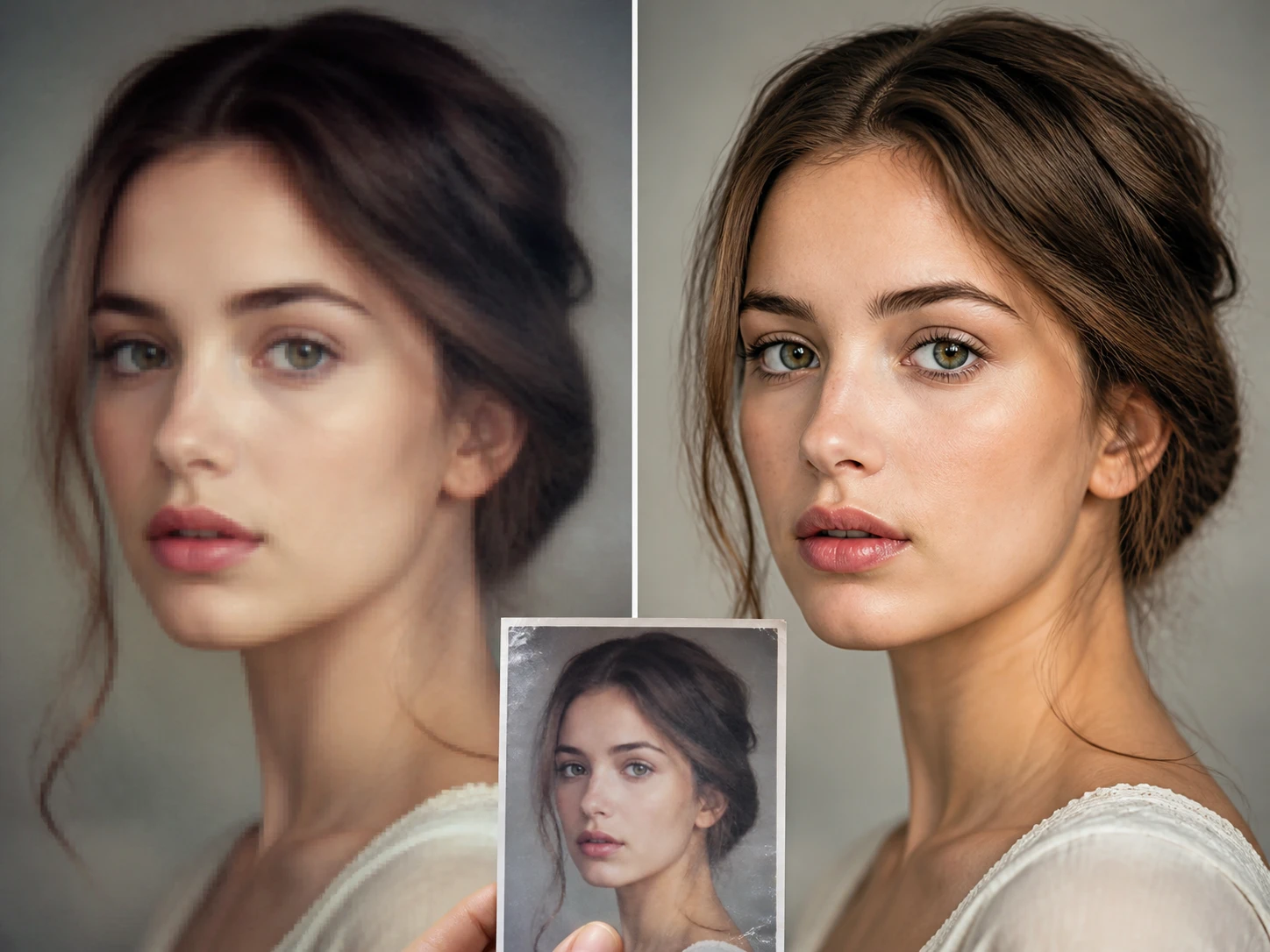
Who checks faces at 100 percent
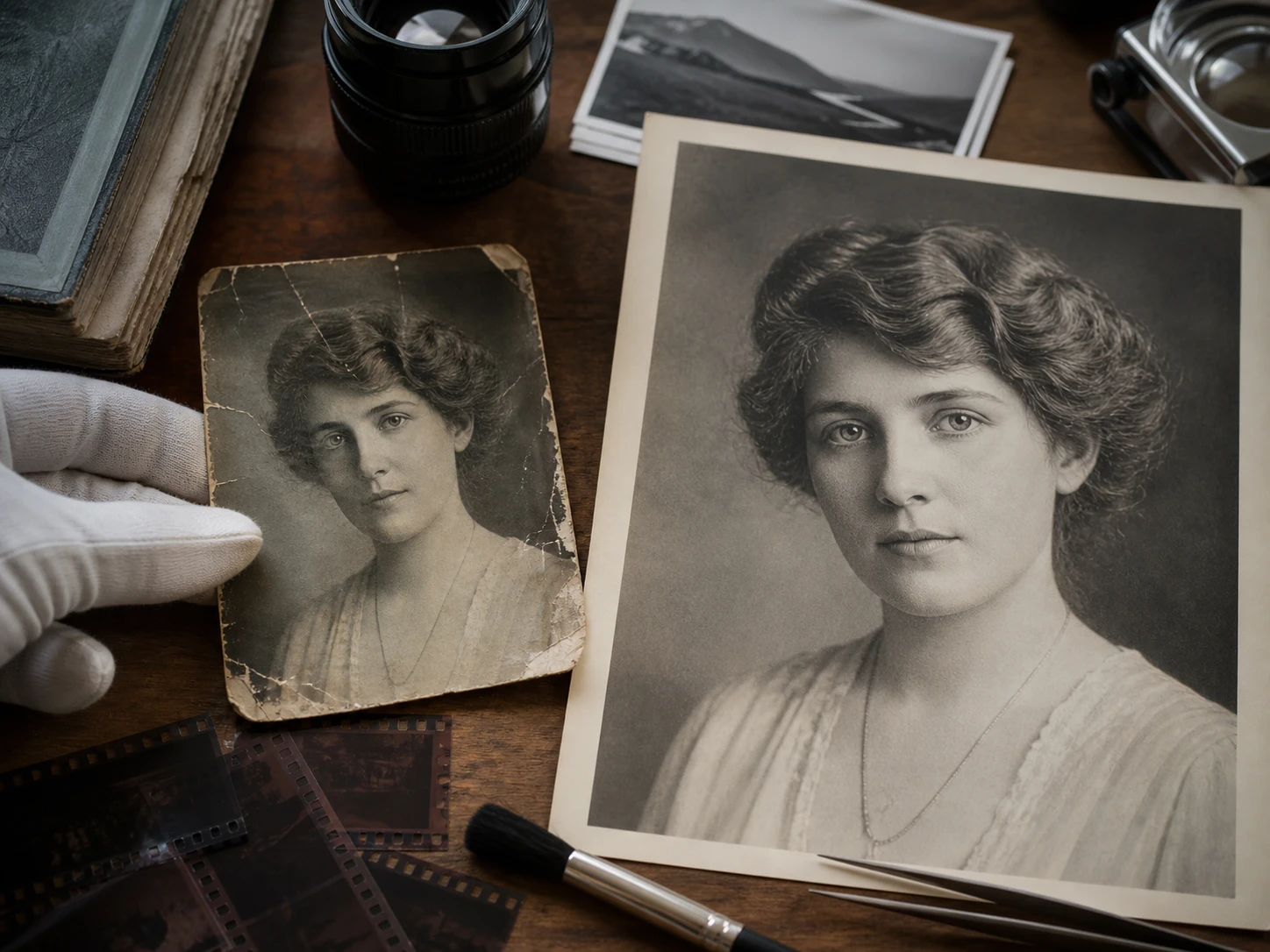
Archive digitizers
Old albums and scanned negatives often leave one chance to preserve a face. face enhancer helps restore facial detail so the person can be checked against memory before the file joins the archive.
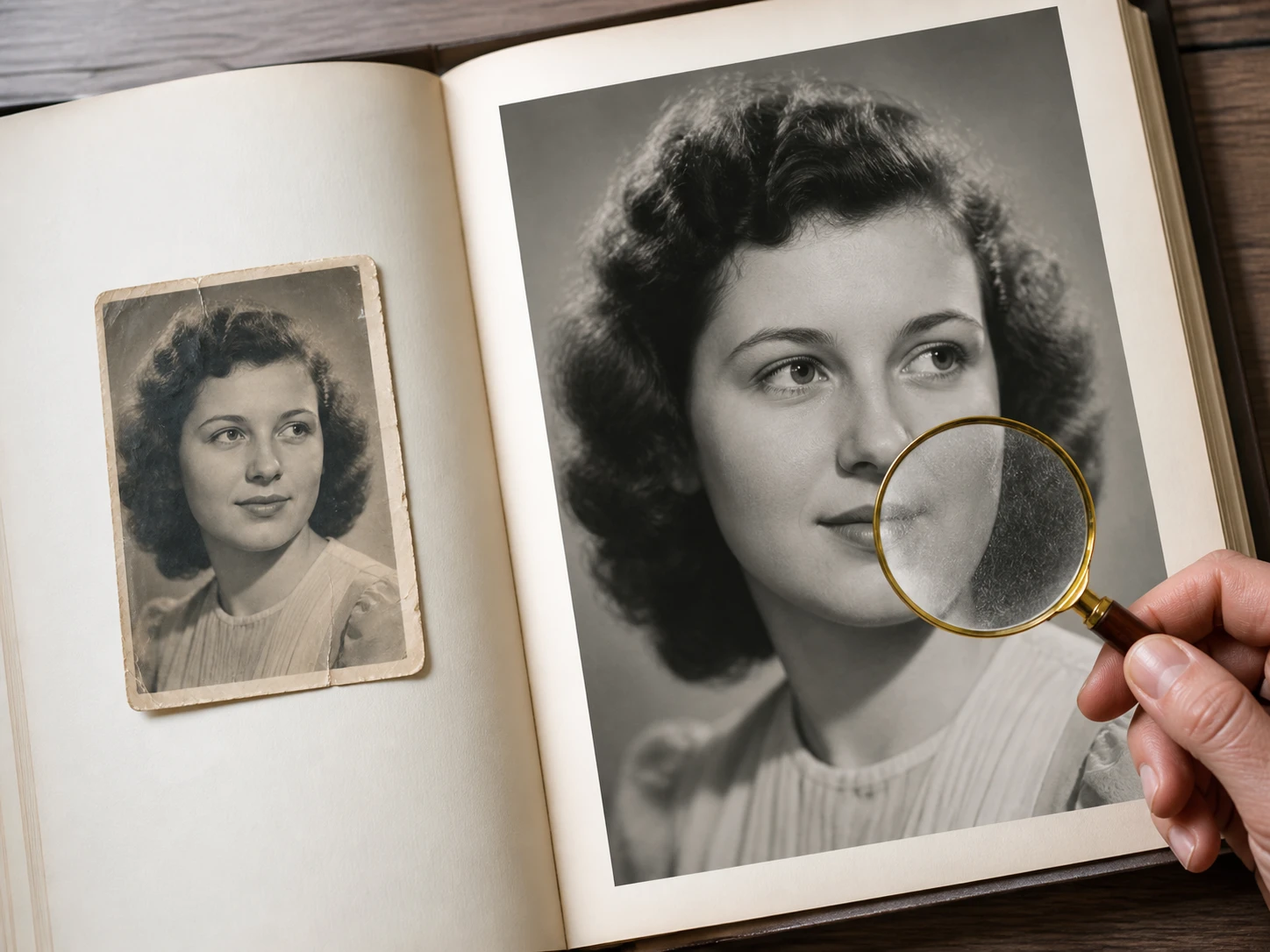
Print and memorial book makers
Portraits that look acceptable on screen can fall apart at printed size. A face enhancer online workflow lets you inspect lashes, hair, and skin texture before a page or wall print goes to production.
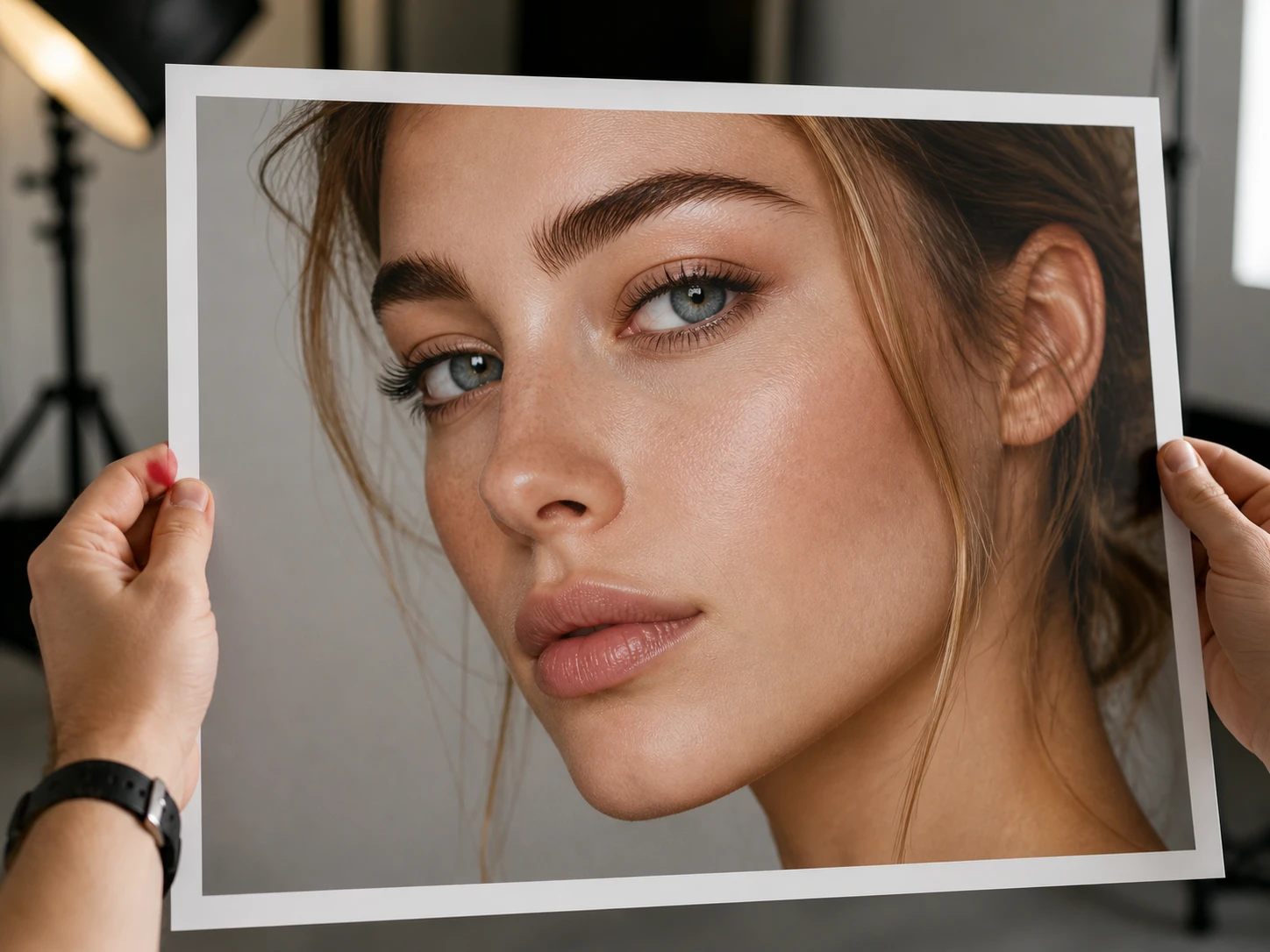
Product page operators
Supplier photos, model images, and scene shots rarely arrive with the same clarity. Use a photo face enhancer to clean the low resolution face that shoppers are likely to zoom into first.
Why face enhancer results are checkable
Sharper facial edges come first, then the AI face enhancer gives you the inspection points that decide whether to keep the result.
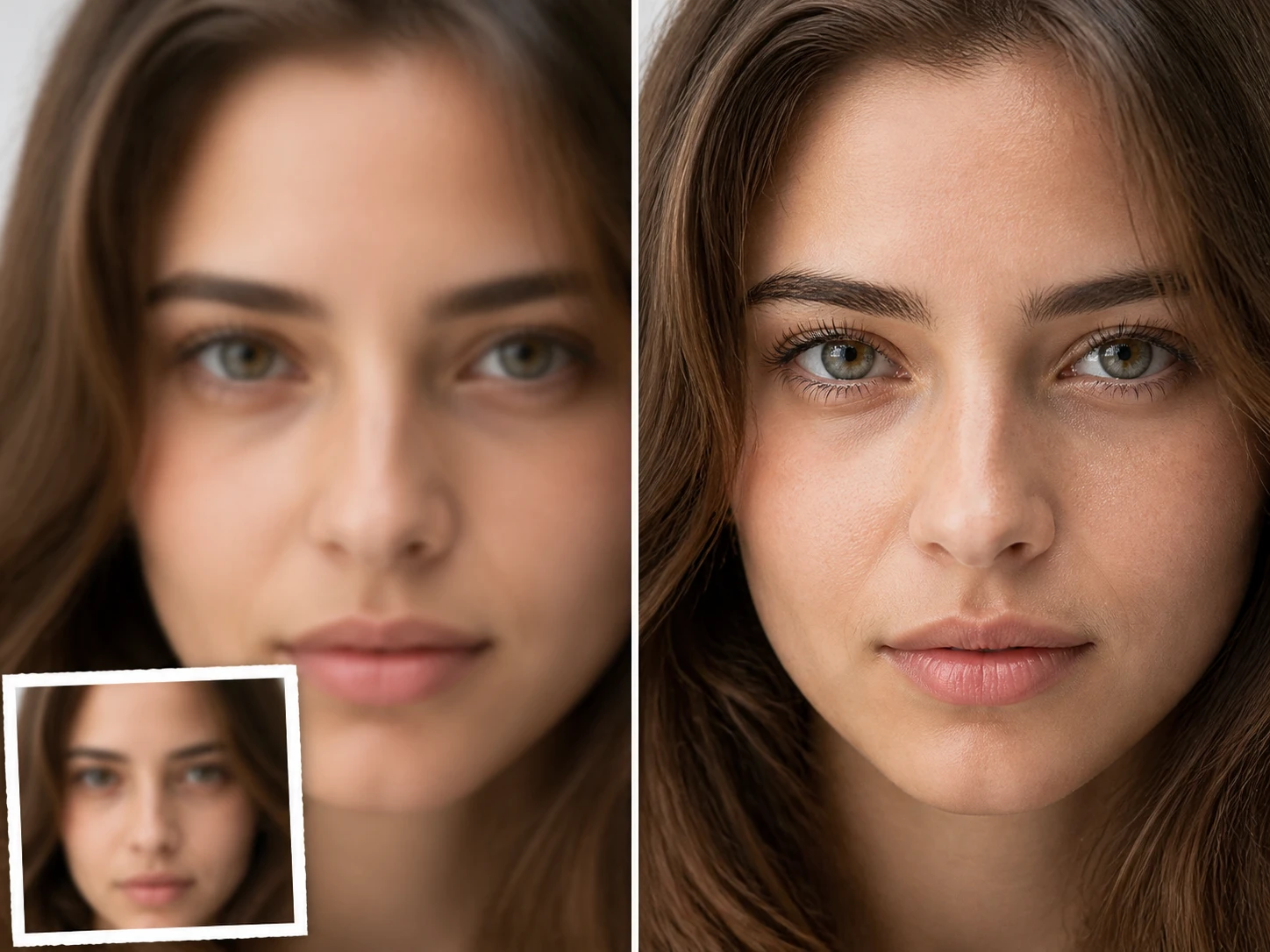
Detail back, same person
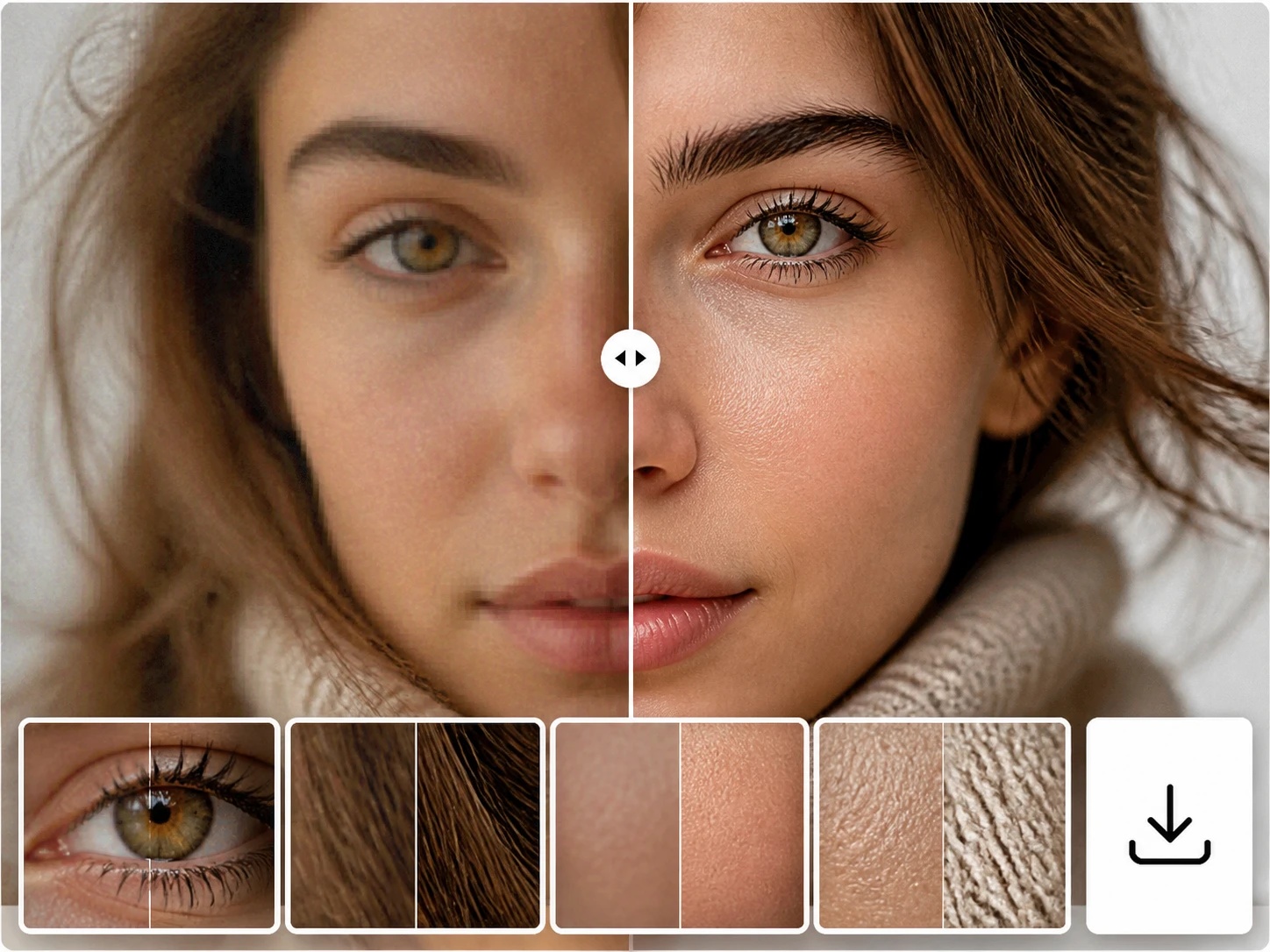
face enhancer rebuilds soft facial detail in the places you can judge, including eye edges, hair separation, and skin texture layers. Use face enhance results at 100 percent and compare the person with someone you know.
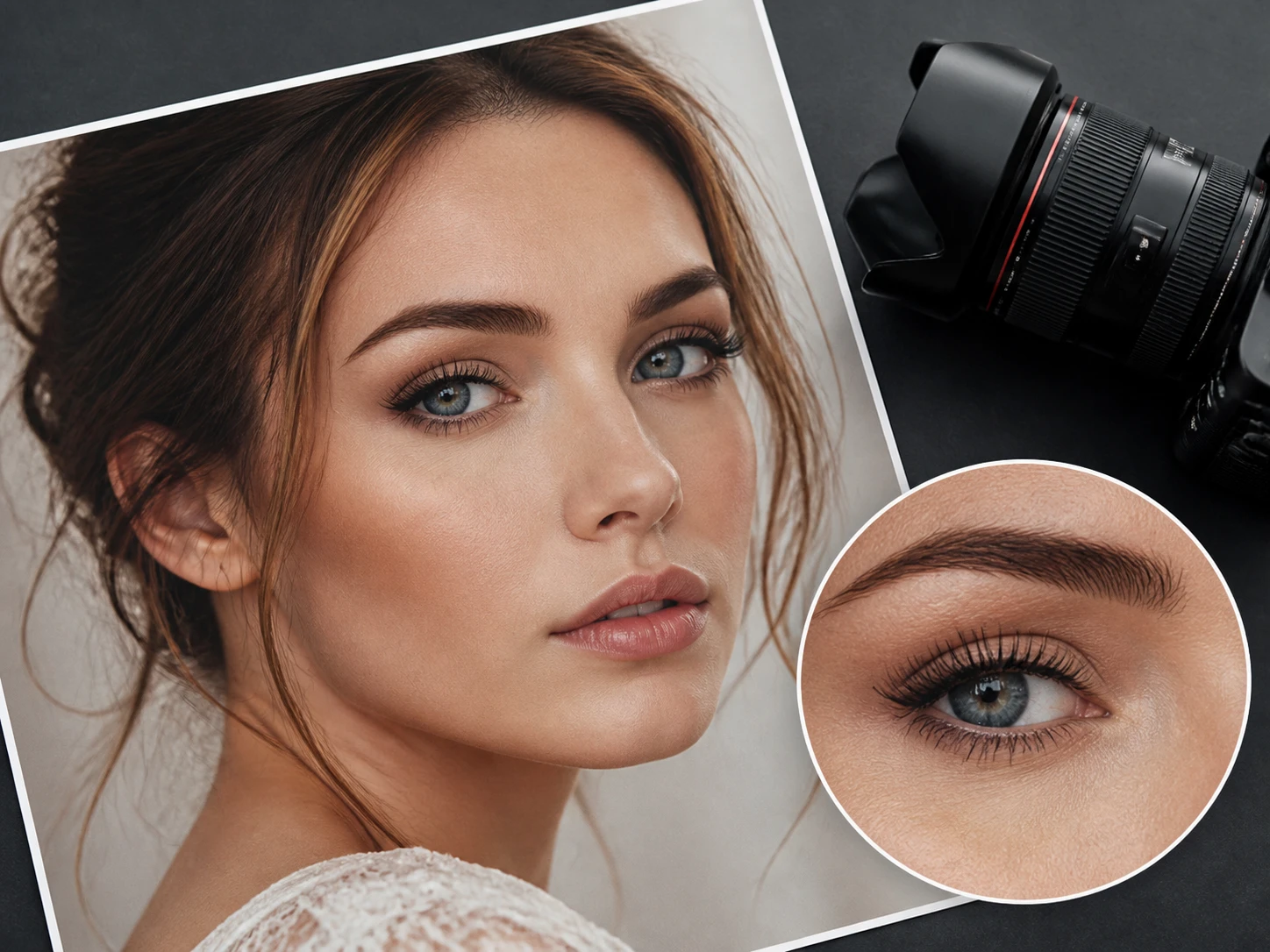
Face detail before 8K output
After face enhancer restores detail, keep working in the same flow and upscale the image up to 8K for print, profile pages, or framed portraits. Check that lashes and hair still hold at the target size.
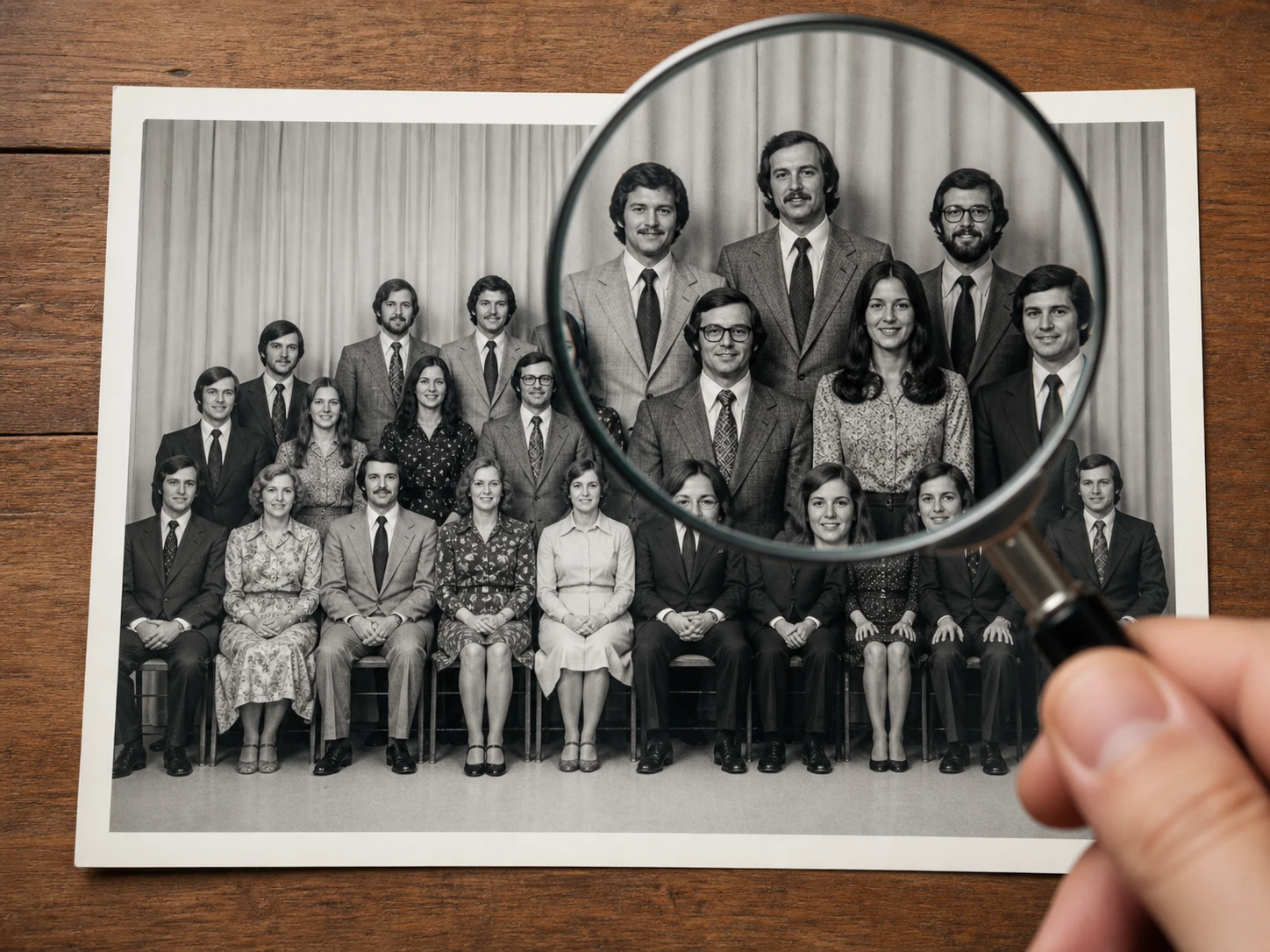
Group faces handled individually
In a class or company anniversary photo, face enhancer finds each face in the frame and rebuilds the soft areas separately. Use it as a group photo enhancer when the back row needs to remain recognizable at print size.
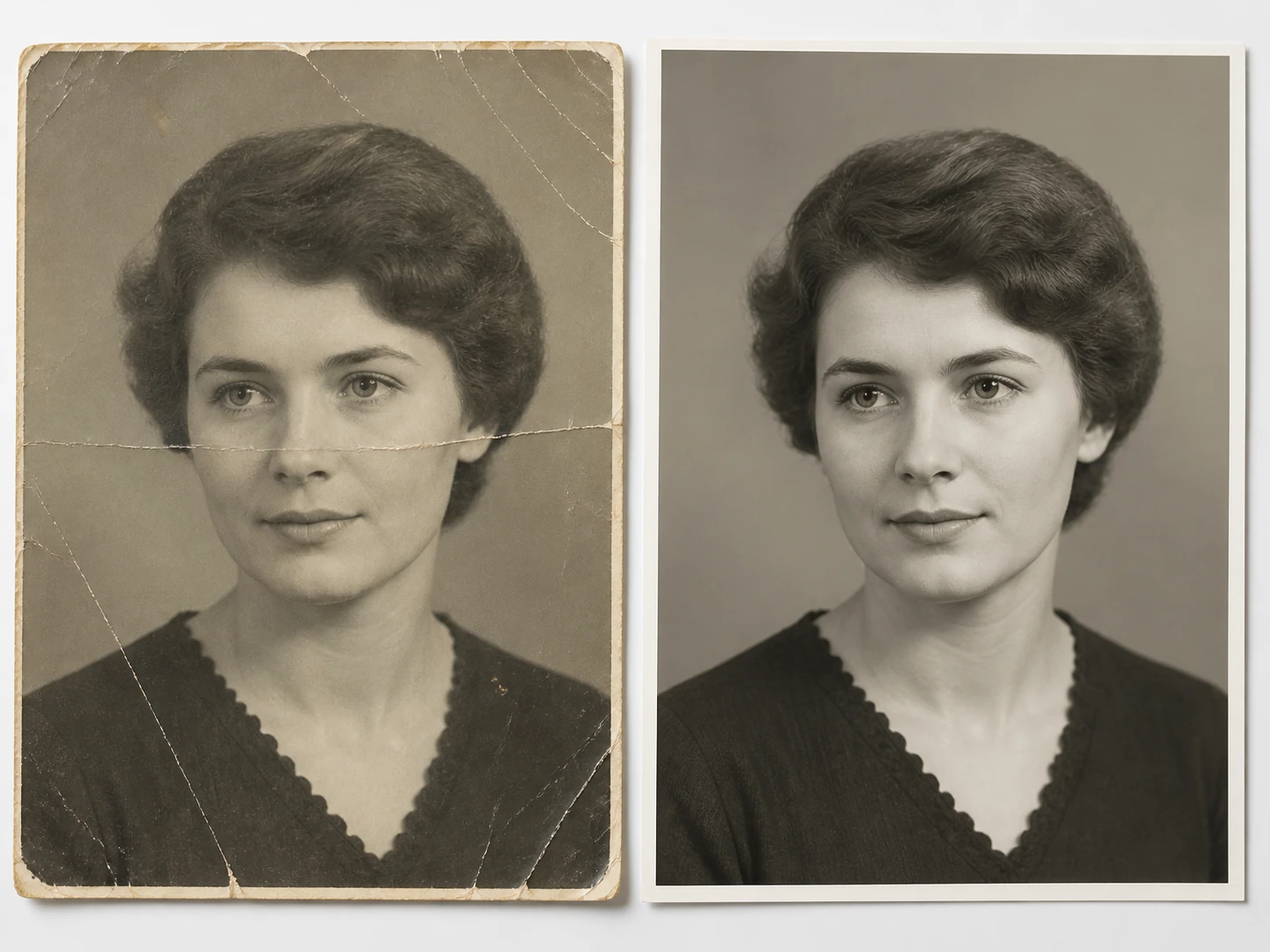
Old portraits with cleaner texture
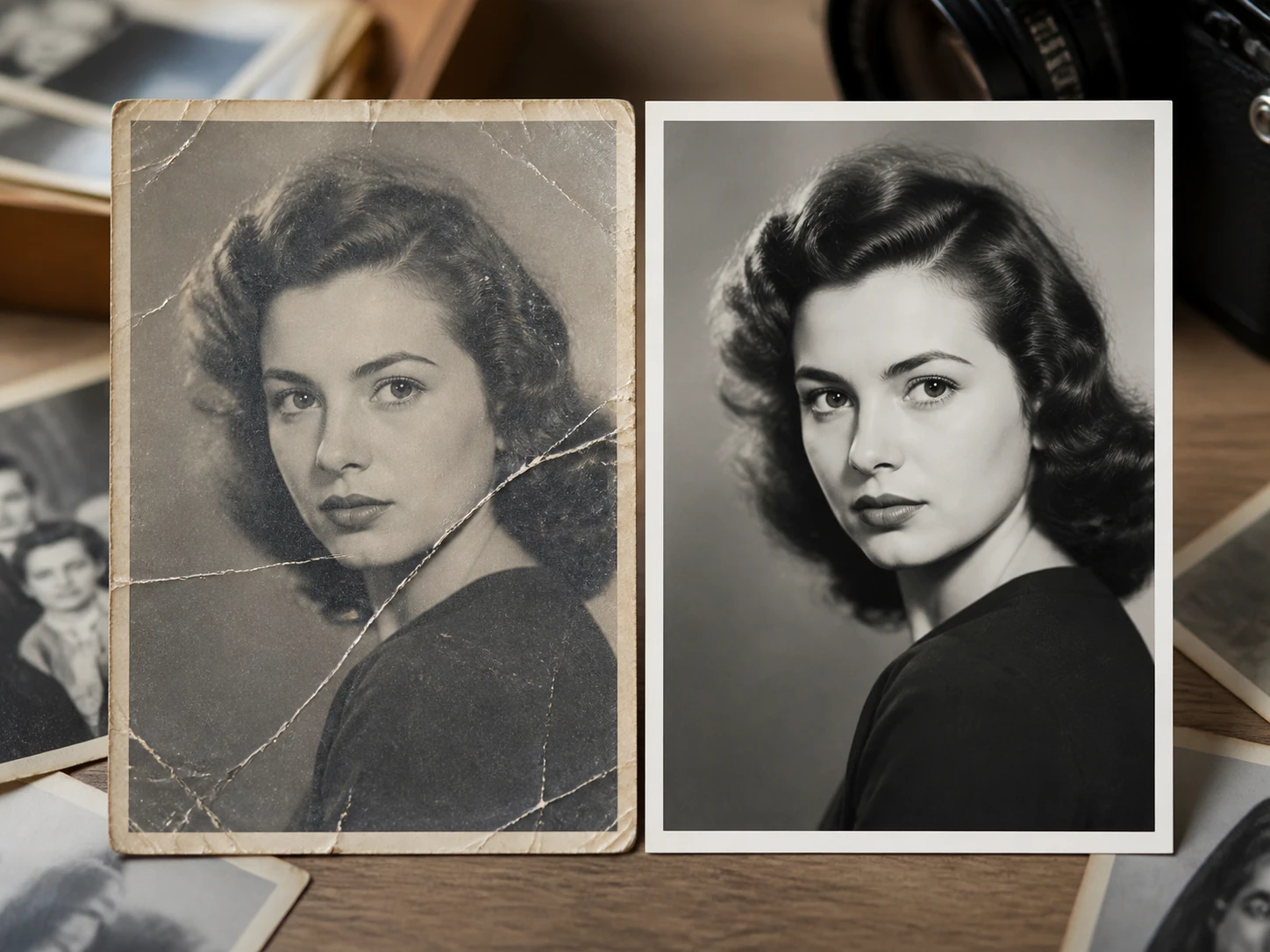
Faded scans can regain facial structure while scratches and noise are cleaned in the same workflow. For ai face restoration, optional color can be added, or the portrait can stay black and white for review.
How face enhancer inspection works
Upload the photo, let Enhancers AI route it by file type and scene, then decide at full size whether to keep the result or refine it again.
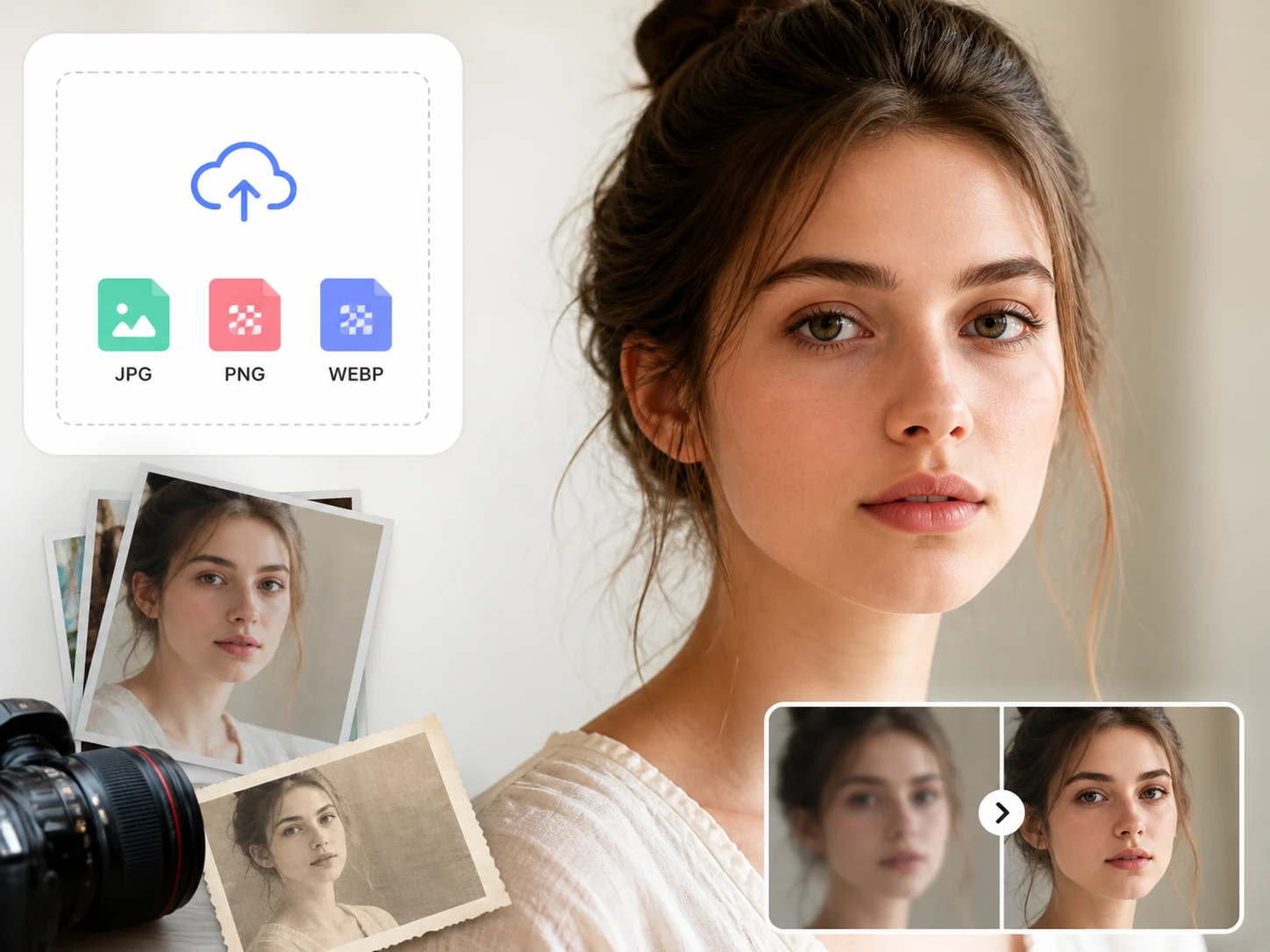
Upload the face photo
Add a blurry selfie, a soft portrait, a group photo, or an old scan in JPG, PNG, or WEBP. You can send one file or a batch, and the processing history stays available in your account space.
Let the scene route the model
face enhancer matches each file to a portrait, old photo, anime, or AI image path, then locates every face and the soft facial areas. You can also choose a model or scene yourself, with parameters filled in for that choice.
Inspect, refine, then download
Open the result at full size and check eyes, hair strands, skin texture, and clear background areas. Keep it, choose another scene for a second run, download without a watermark, or continue to 8K upscaling.
Where face enhancer fits
Each scenario starts with a real inspection problem, then uses face enhancer to make the face clear enough to judge.
Profile Picture Enhancer
A company team page, speaker bio, or industry profile needs a professional headshot that stays clear at its actual display size. Use enhance face photo processing, then zoom to the page scale and inspect eye edges and hair detail.
Group Photo Enhancer
A class graduation print or company anniversary photo may have small faces in the back row. The face upscaler workflow rebuilds soft facial areas one by one, so you can check who remains recognizable before printing.
Old Photo Face Restoration
A single portrait of a grandparent can be faded, scratched, and too small for a frame. Old photo face restoration brings back facial detail, cleans noise and scratches, and lets a family member verify the person at full size.
AI Portrait Review
AI generated portraits can arrive with weak eyes, rough edges, or unclear facial structure. Choose the AI image scene, use the face sharpener path, and inspect the output before delivery or further enlargement.
face enhancer questions
Refine a face you can inspect
Upload a low resolution face, review the hd face result at 100 percent, and download when the person still reads right.