


Image Sharpen
Send Enhancers AI a soft or blurry photo, run image sharpen, and get back sharper edges you can confirm at full size, with the option to rerun a scene before you keep it.
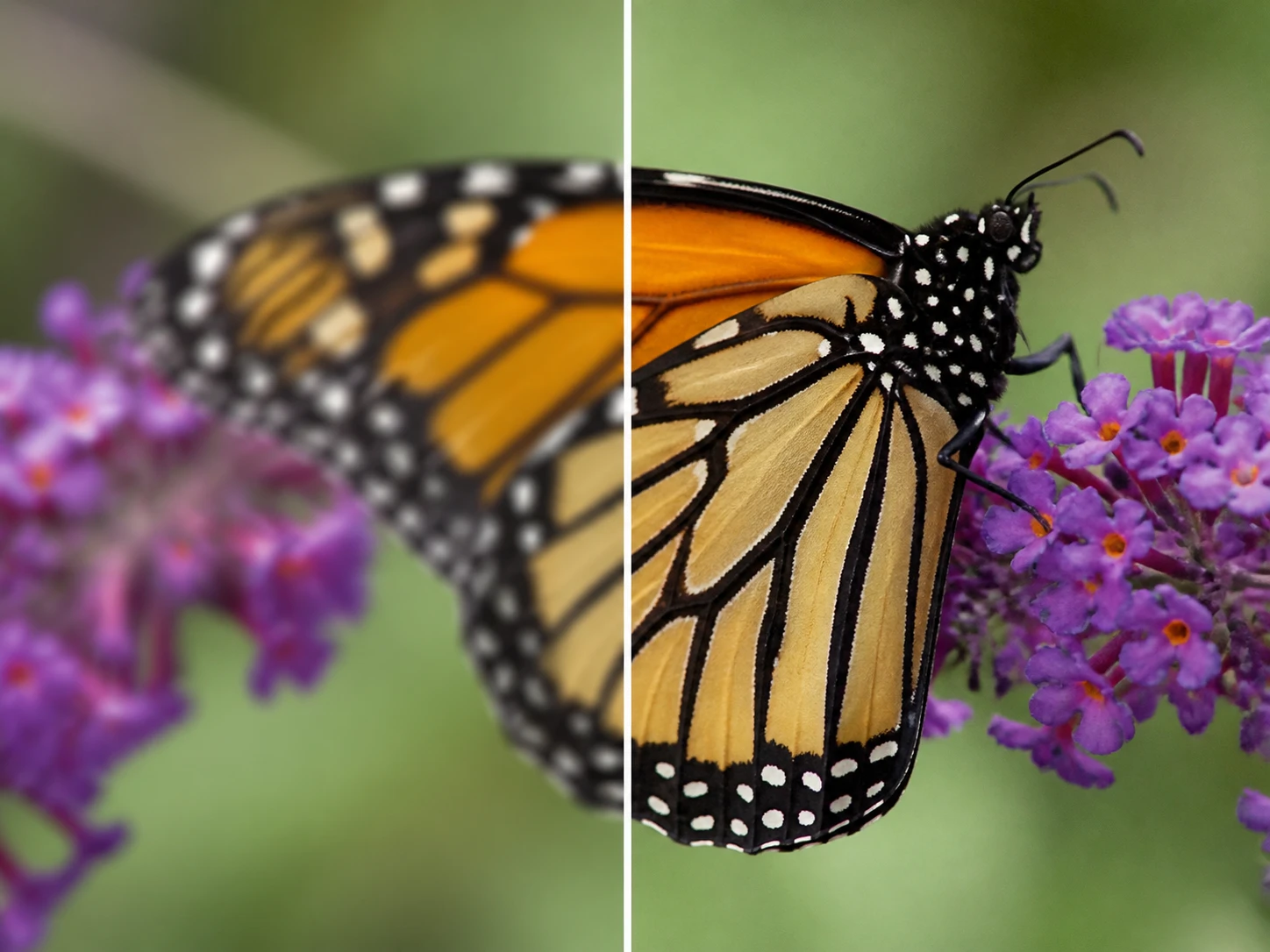
Run Image Sharpen In Four Steps
Four steps that make picture sharper and let you check the image sharpen result at full size.
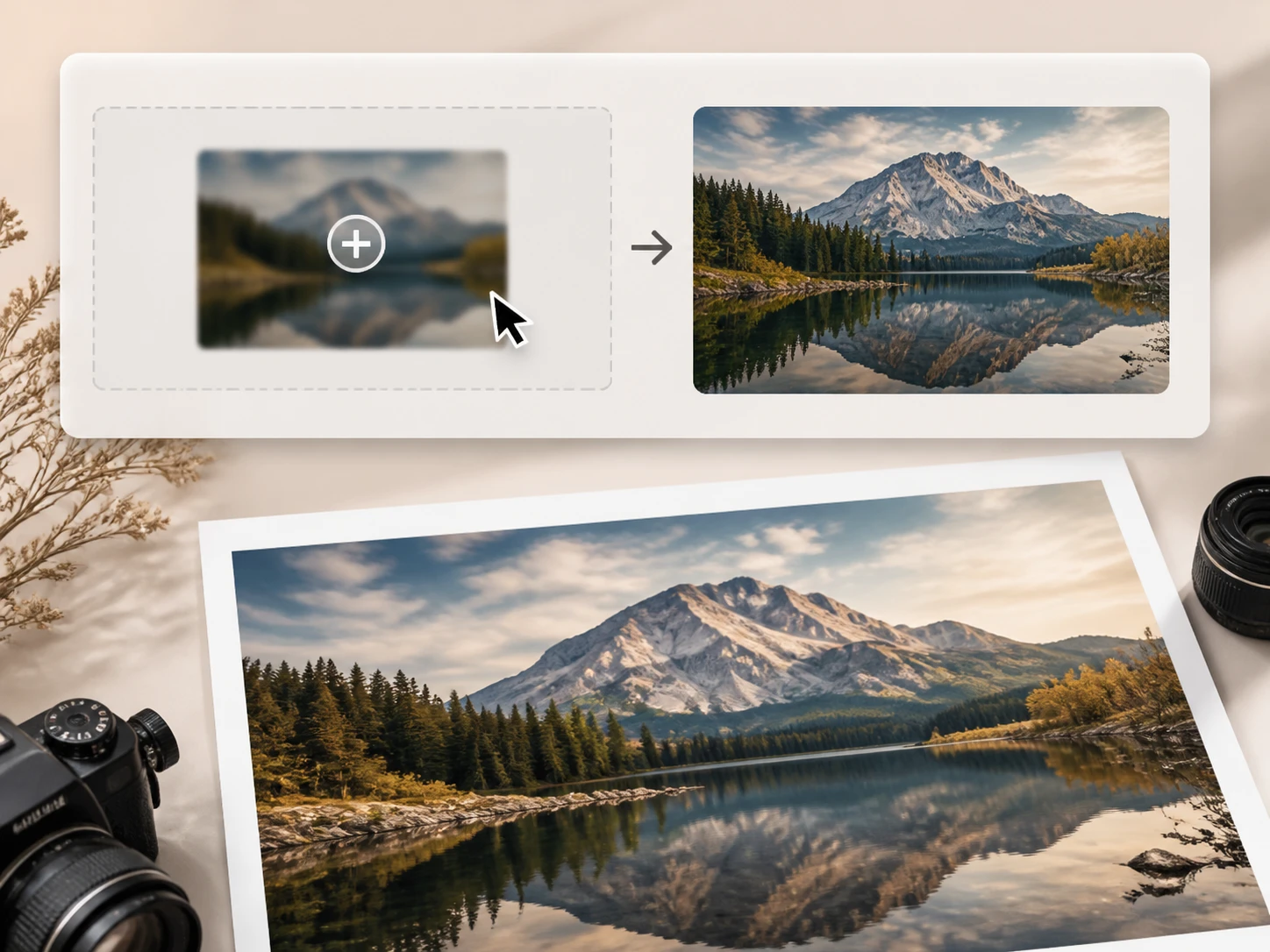
Send Your Soft File Over
Drag or upload the fuzzy shot as JPG, PNG, or WEBP for image sharpen. You can also sharpen JPEG screenshots or send several files at once for a batch. Each file lands in your Enhancers AI account space, so you can come back and download it later.
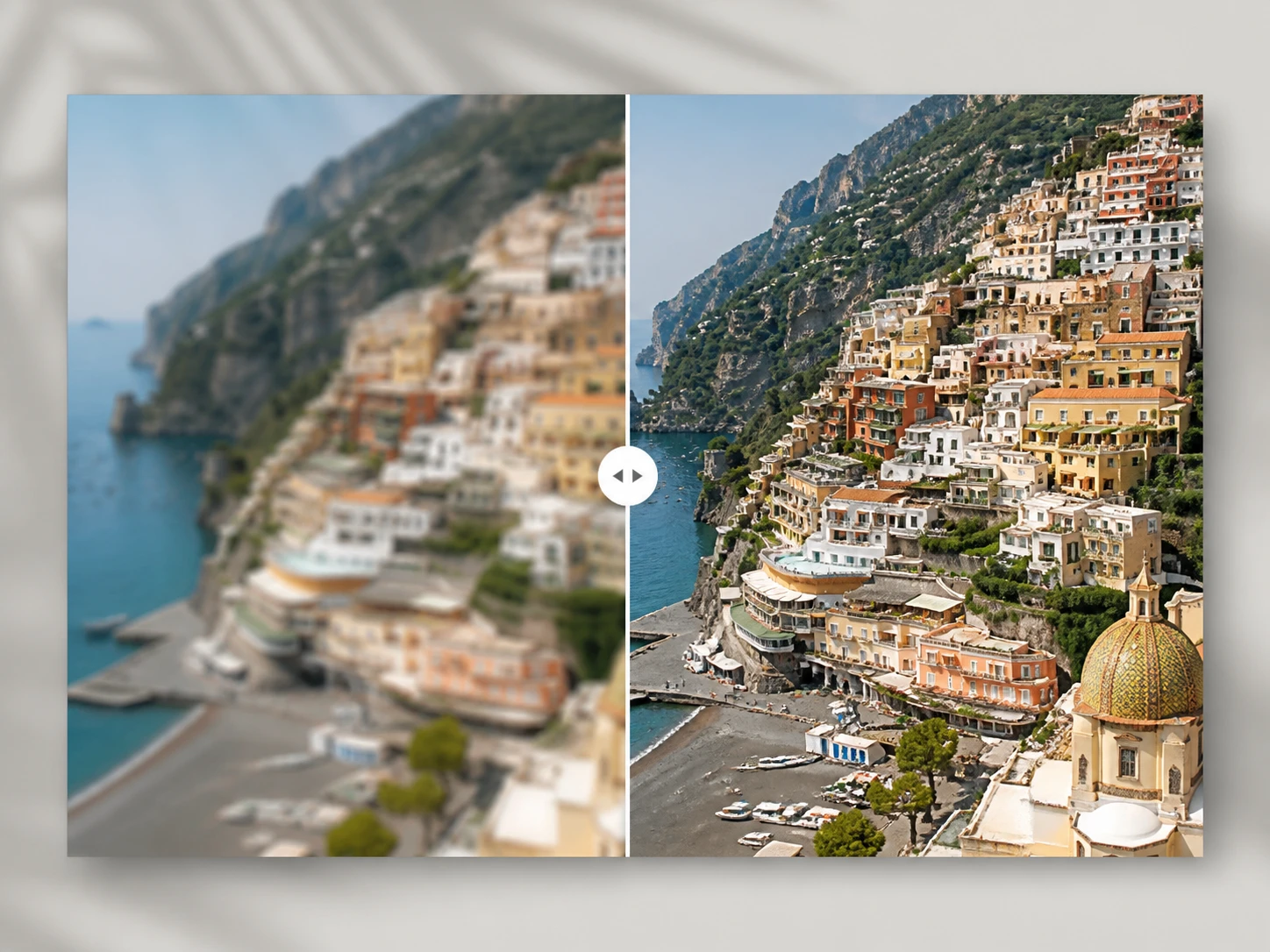
Let It Route By Cause
Image sharpen reads what softened the shot and sends it down the matching path, choosing a model by file type and scene while it locates the fuzzy areas. Prefer to steer it yourself? Pick a model or a scene and the settings fill in for you.
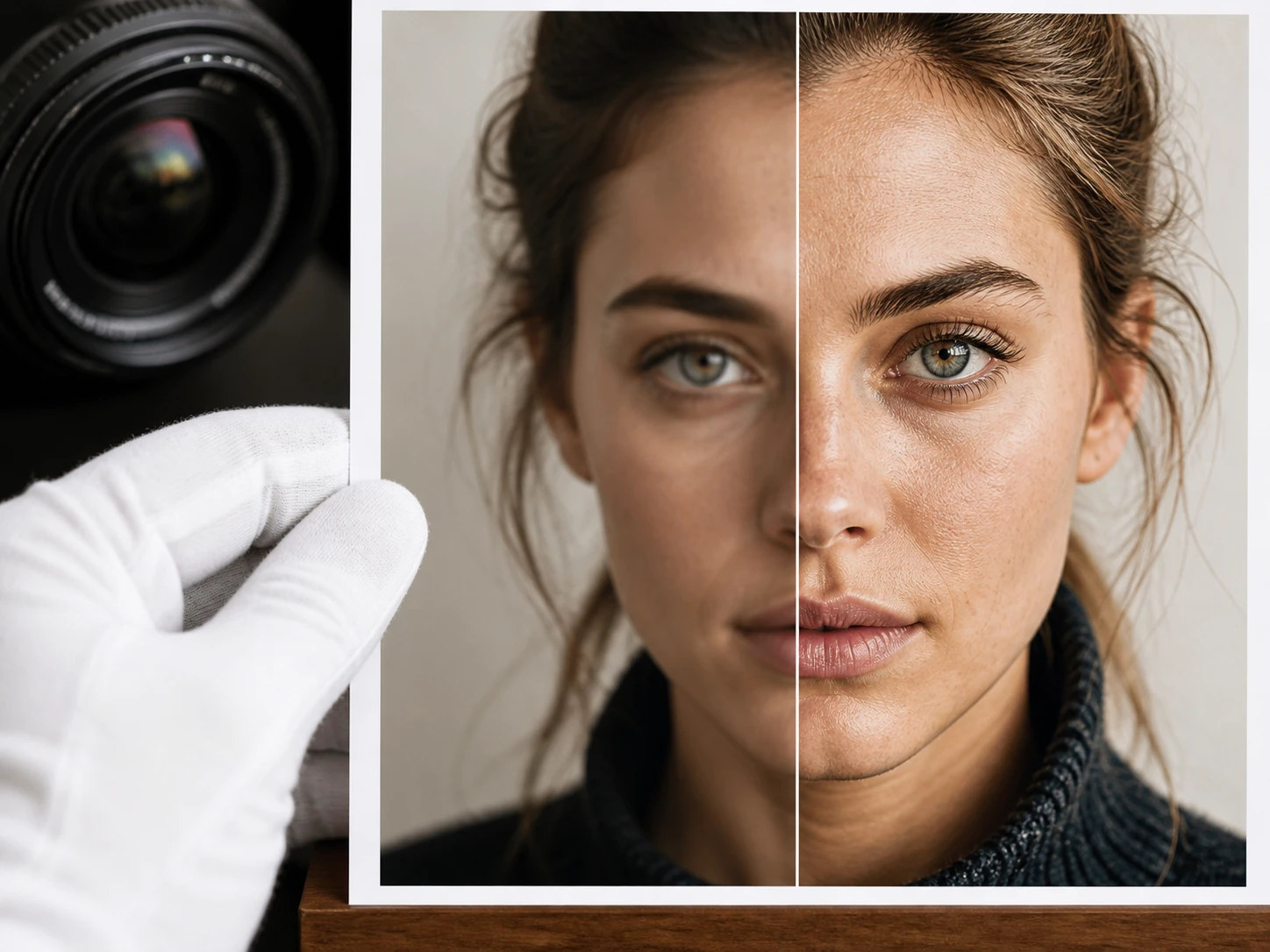
Read The Spots That Changed
Get the result back from image sharpen and look where the cause tells you to look: a shaky shot shows directional smear along the edges, a missed focus shows detail levels returning, a soft lens shows overall contrast. Confirm that the parts already sharp were left alone.
Where Sharper Detail Actually Matters
Real files people bring to Enhancers AI for image sharpen, and what to check on each.
Sharpen Text In Image
Ingredient panels, model numbers, and spec lines shot off a box come out fuzzy, and they have to be legible before you list or archive them. Image sharpen locates those soft text blocks and rebuilds their edges. Drop the smallest line to full size and check the strokes separate where they should, so the type stays crisp and readable.
Sharpen Old Photo
The negative is long gone and all that survives is a single scan of one family gathering, with faces and background layers gone soft. The detail in the soft areas is rebuilt by image sharpen, scratches and grain cleared, and color added if you want it. The check is specific: hold it against the person you remember and confirm the detail returned while the person did not change.
Sharpen Anime Image
A line drawing or illustration commission reads slightly soft right before handoff. Image sharpen rebuilds the fuzzy lines first, then you upscale in the same workflow to the resolution the delivery needs, with the edge lines held as the picture grows, and on anime or AI art you can paste a prompt to steer the detail. Check that thin lines were not thickened and open areas were not filled.
Prepress Proofs Before You Sign Off
A print job looks fine on screen but goes soft at final size, and the plate fee is already paid with no easy redo. Run it through image sharpen, then confirm along the hard edges at full size before you sign the proof, so the softness gets caught while it can still be fixed.
Built For High Stakes Detail Work
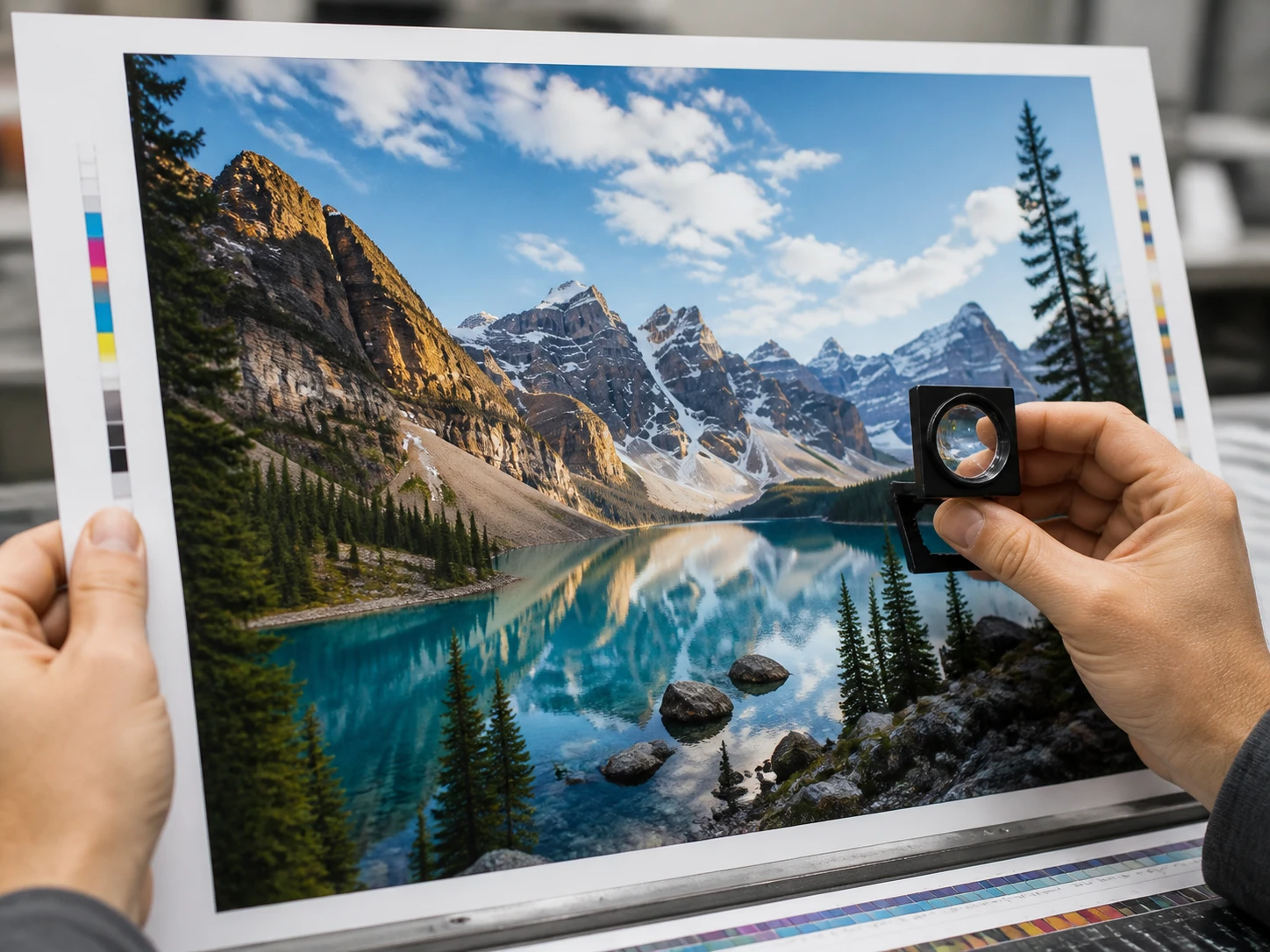
Prepress and Proofing Buyers
You are sending artwork to plate, and what looks fine on a monitor turns soft on the proof, by which point the plate fee is already spent. This is the file image sharpen makes sharp, checked at full size before it goes on press.
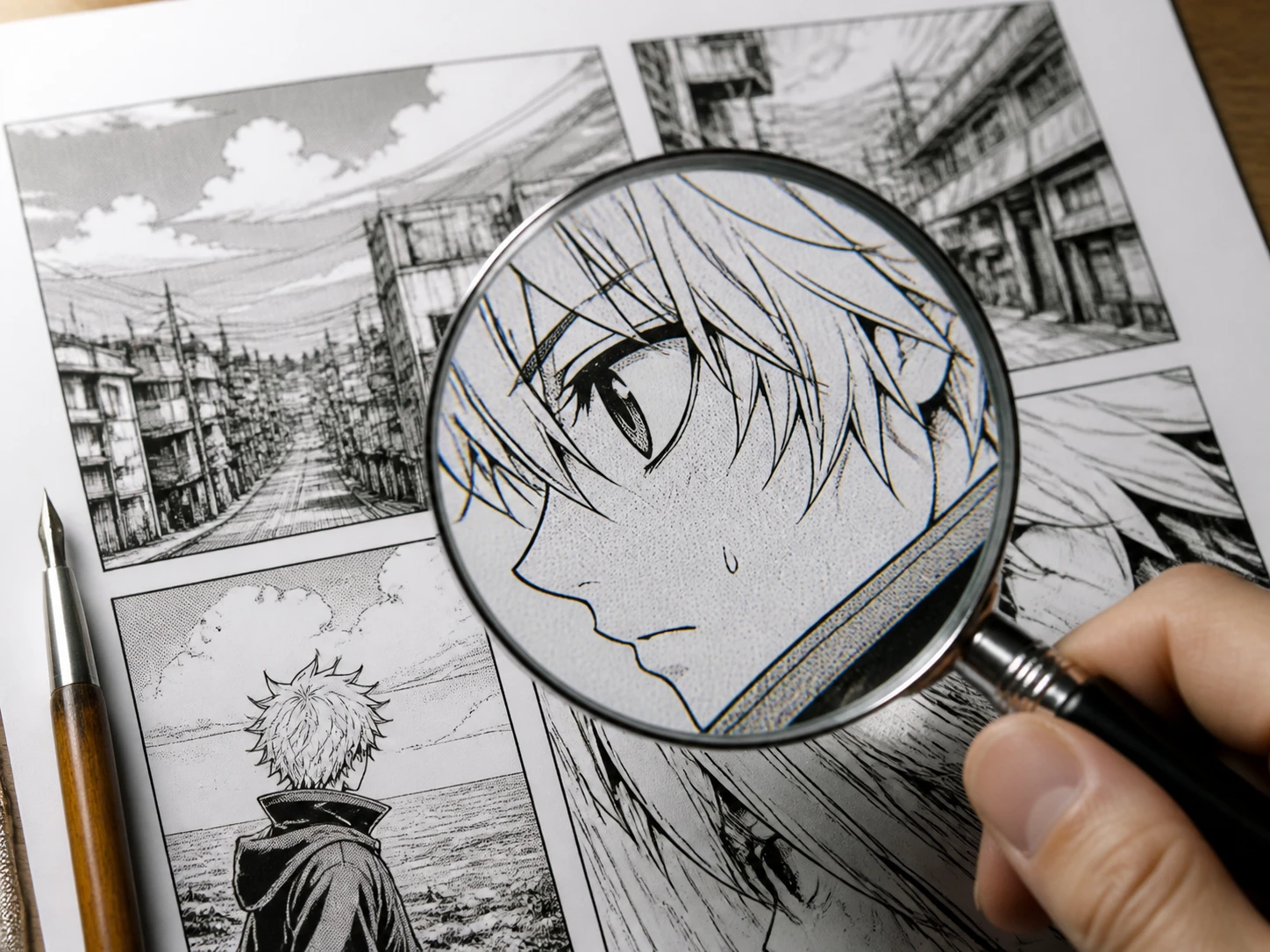
AI and Anime Creators
Your render or line work comes back slightly soft in the lines, and you want that settled by image sharpen before it is upscaled and delivered. You tend to zoom in and read the edges rather than trust a small preview.
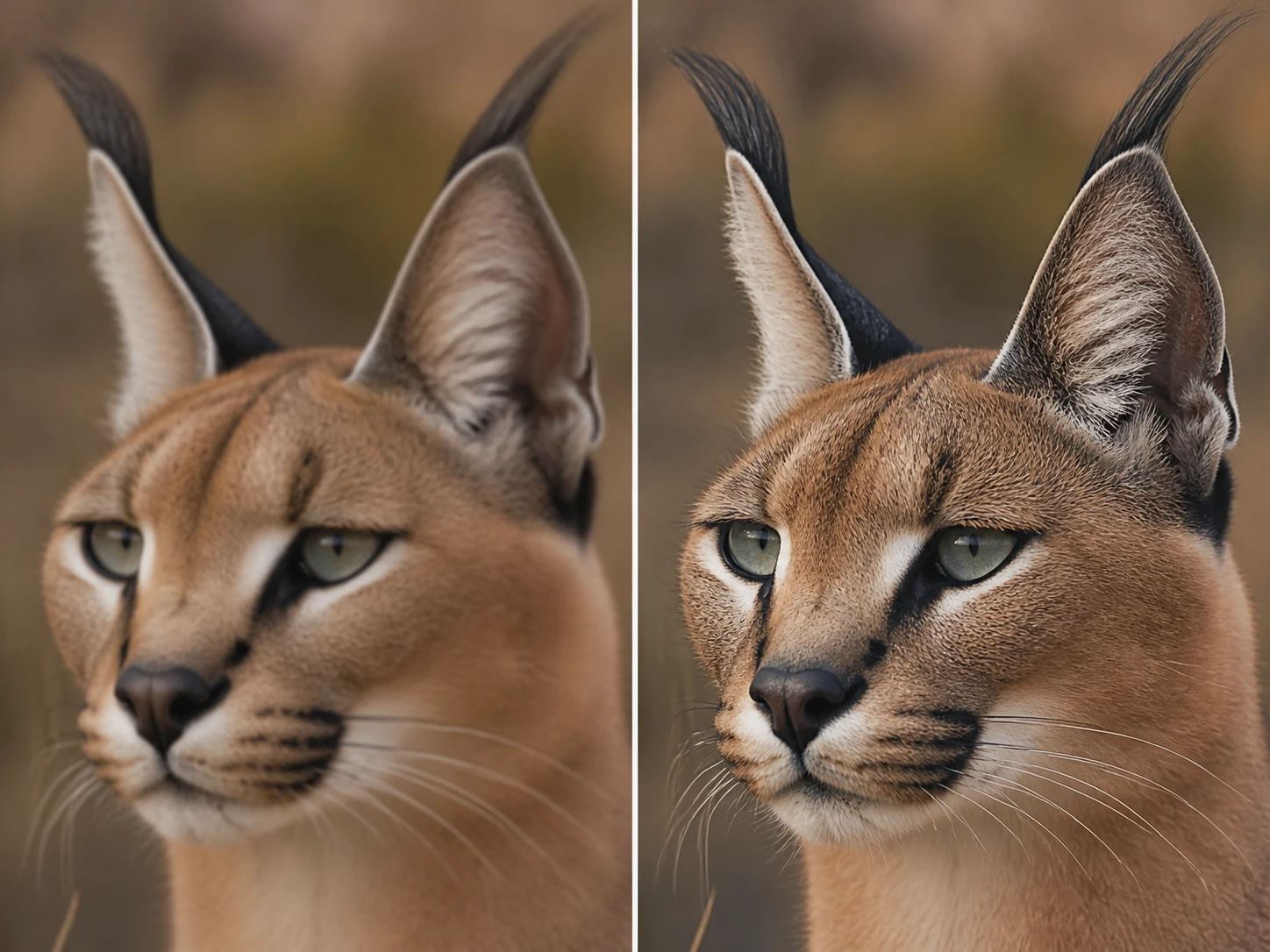
Product Page Operators
Supplier images and phone reshoots end up mixed on one listing, and buyers zoom all the way in to the softest spot on the main shot. You want image sharpen to hold the labels and stitching up at that magnification.
What Image Sharpen Rebuilds And Shows
Every card names one change and the signal you check at full size, run as image sharpen online in your browser.
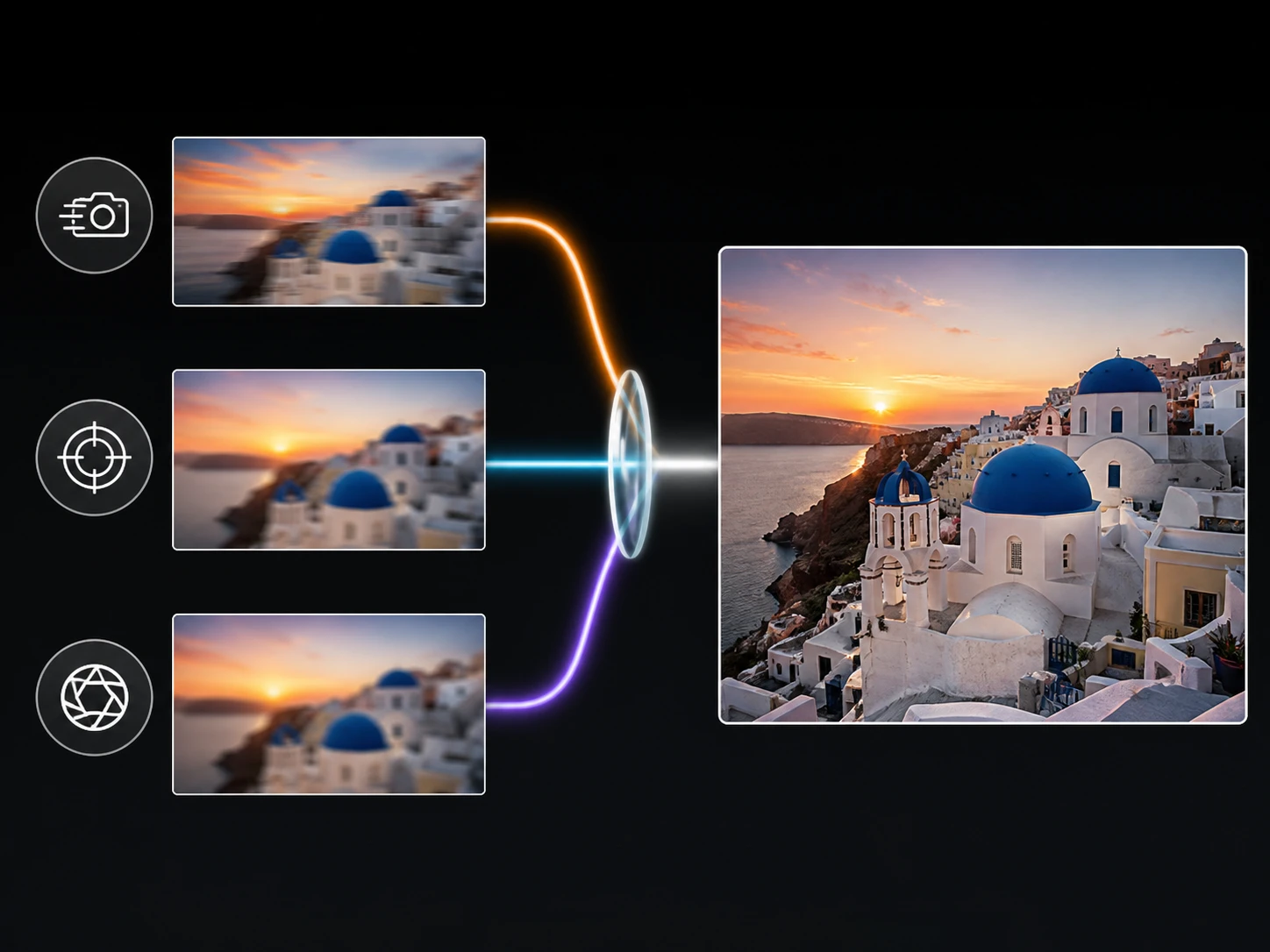
Sorted By What Caused The Blur
Slight handheld shake, a missed focus, and a soft lens each go down their own path with image sharpen instead of one filter for everything. That changes what you inspect too: shake shows as directional smear at the edges, focus as returning detail levels, a soft lens as overall contrast. This is photo sharpening matched to the cause, not a single slider.
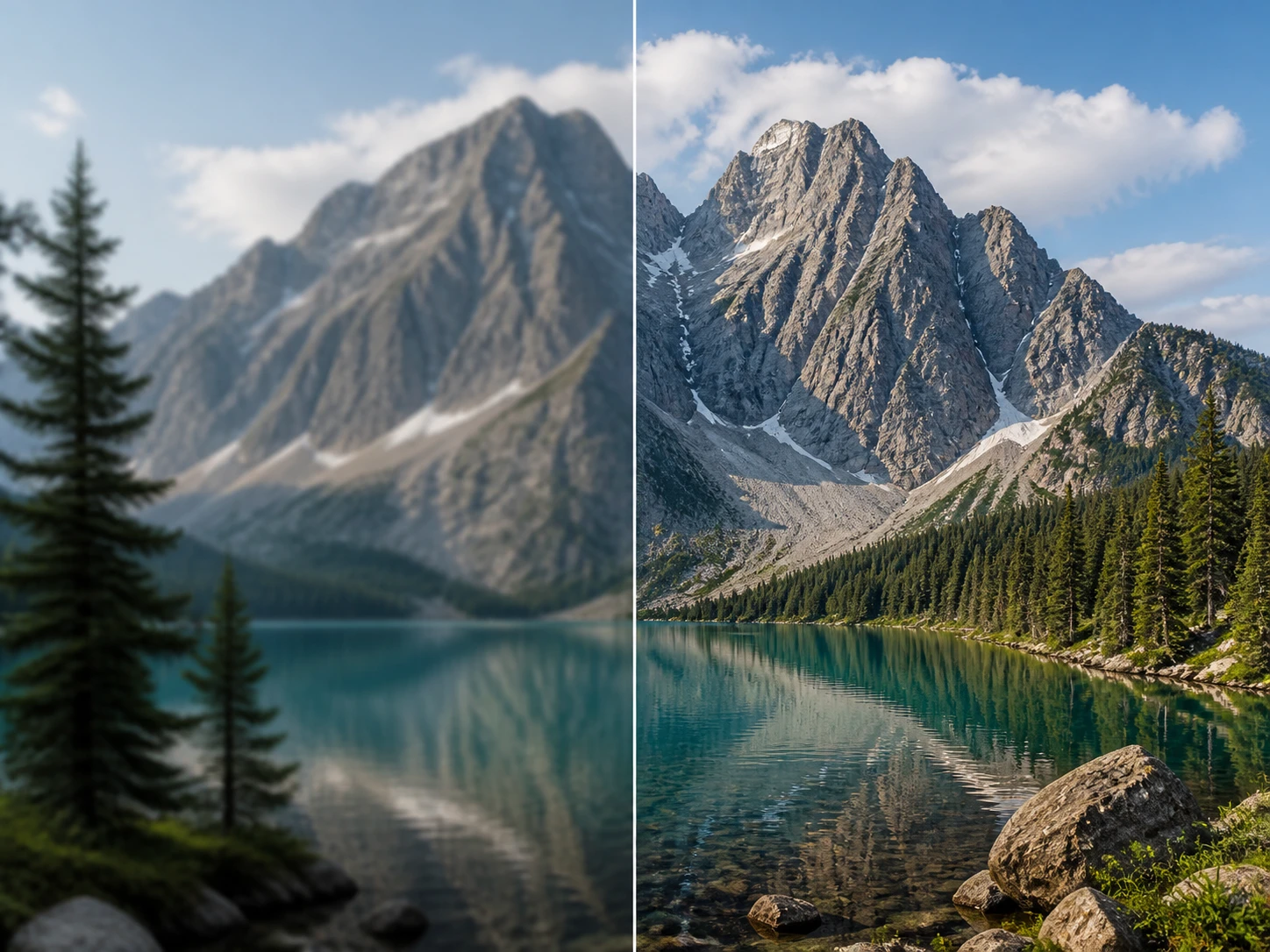
Only The Soft Areas Rebuilt
The tool first finds the areas that lack definition, then rebuilds edges and texture only there, leaving the parts that were already sharp untouched. That untouched region is itself a check: if an area that was clear now looks different, the pass went too far. This is where ai image sharpen earns its trust.
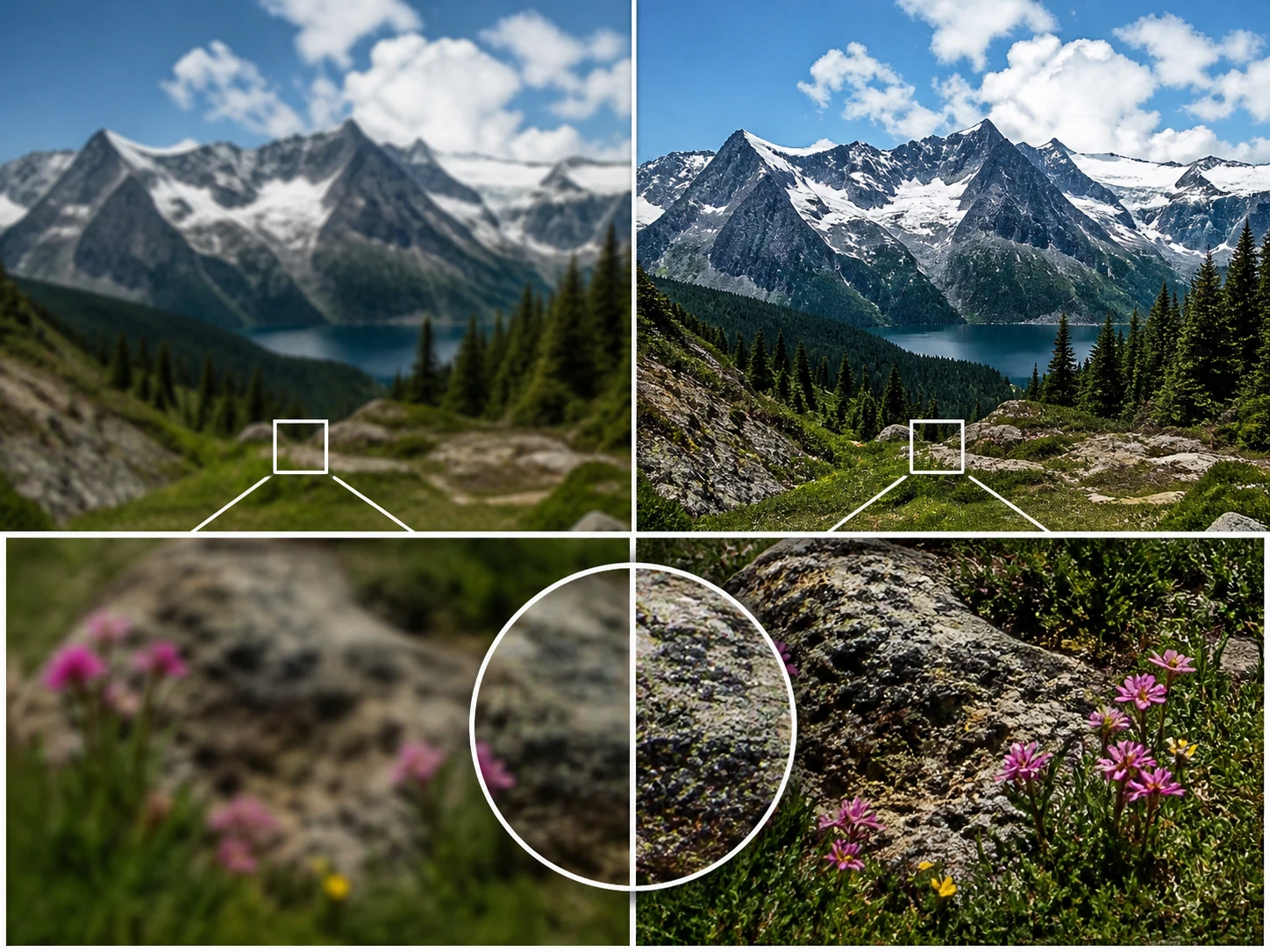
Handed Back Ready To Check
Compare the result against your original and confirm it with the signals above at full size, then run a second pass with another model or scene if it is not right. Most tools give you a preview but never say what to look at; here image sharpen names the spot to inspect for you.
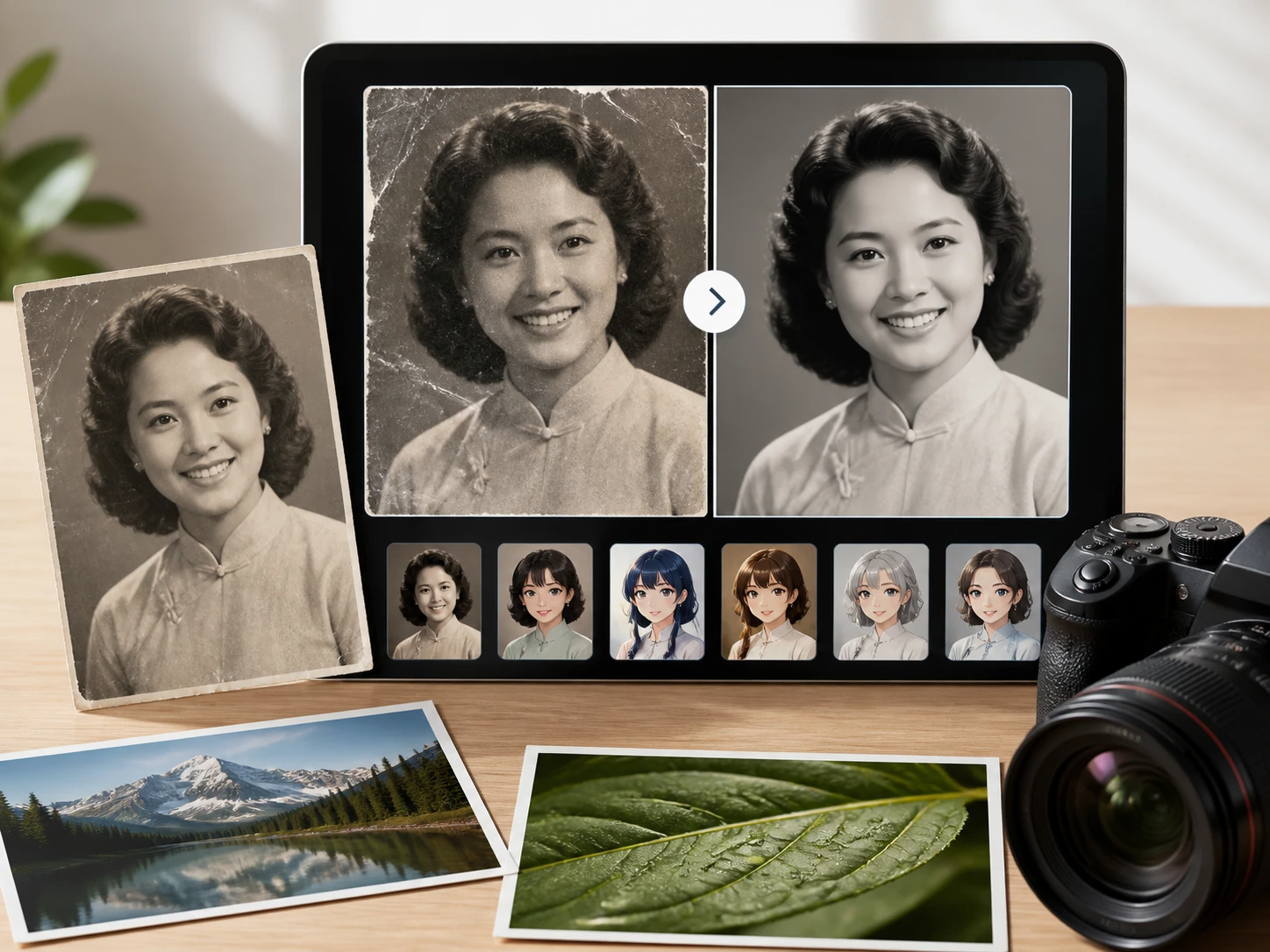
Automatic First, Yours To Steer
By default each file is routed by type and scene with image sharpen, covering portraits, old photos, anime, and AI images. When you want the call, pick a model or choose a scene and the settings fill in for you. It works as a sharpen image tool that stays quick to start and easy to override.
Common Doubts About Image Sharpen
Refine One File And Check It
Upload a soft or blurry shot to sharpen photo online, rebuild only the fuzzy areas, and confirm the result at full size before you keep it.