
Slow Down Video
Hand the whole clip to Slow Down Video, pick 2x, 4x, or 8x, and Enhancers AI hands back a slow motion video where the frames are rebuilt between yours instead of the timeline stretched thin; replay the fastest stretch frame by frame and the subject edges either connect or they smear, so you judge the result yourself.
Who Reaches For This Tool
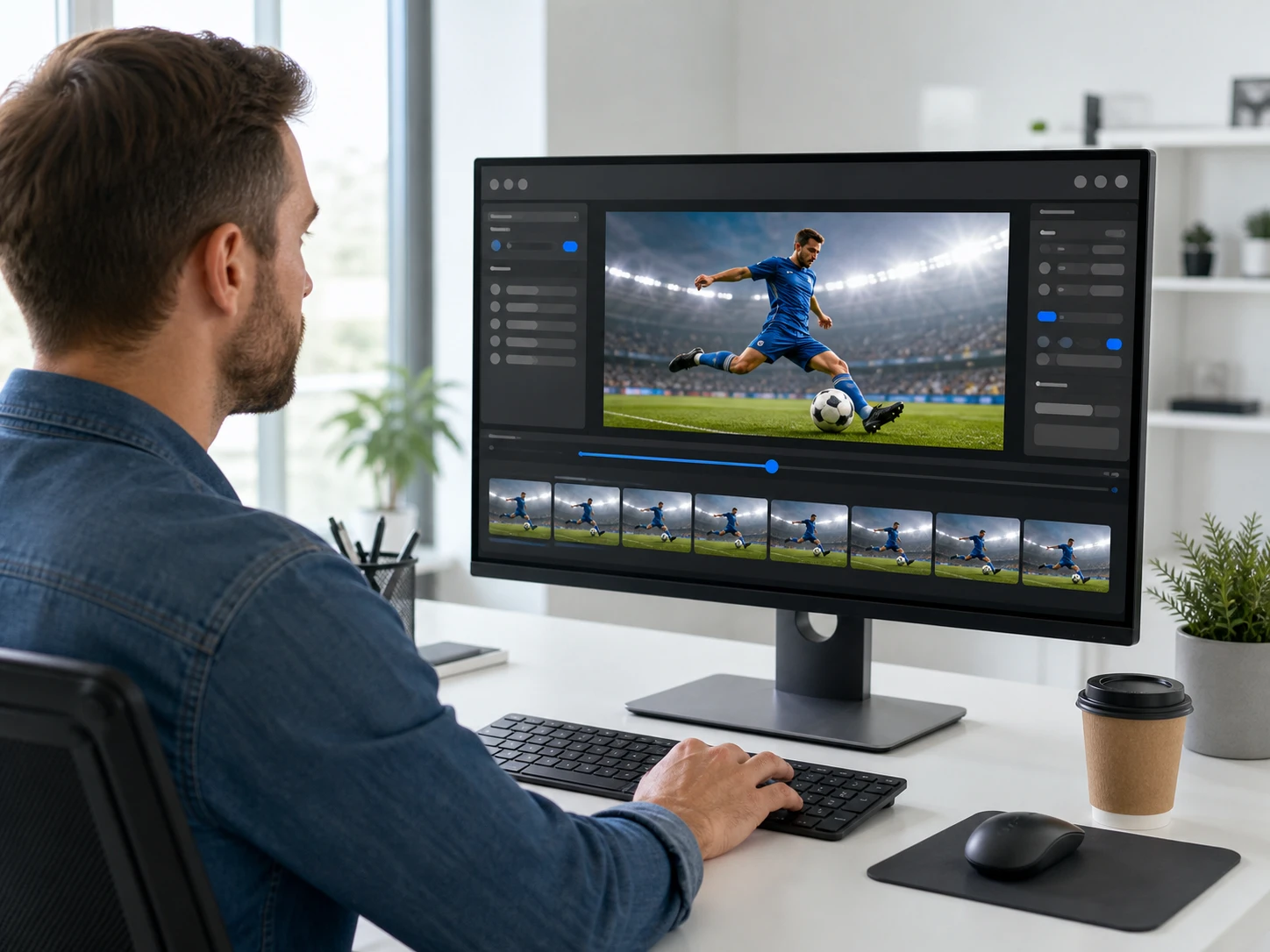
Video Editors Shipping A Cut
You need a fast action segment to hold up before you hand the cut to a client. Send the clip through Slow Down Video, then step through the quickest moment frame by frame to confirm the edges connect and nothing drags. If a run looks soft, a second run at a different speed is a normal step, not a failure, so the shot passes review before anyone else sees it.
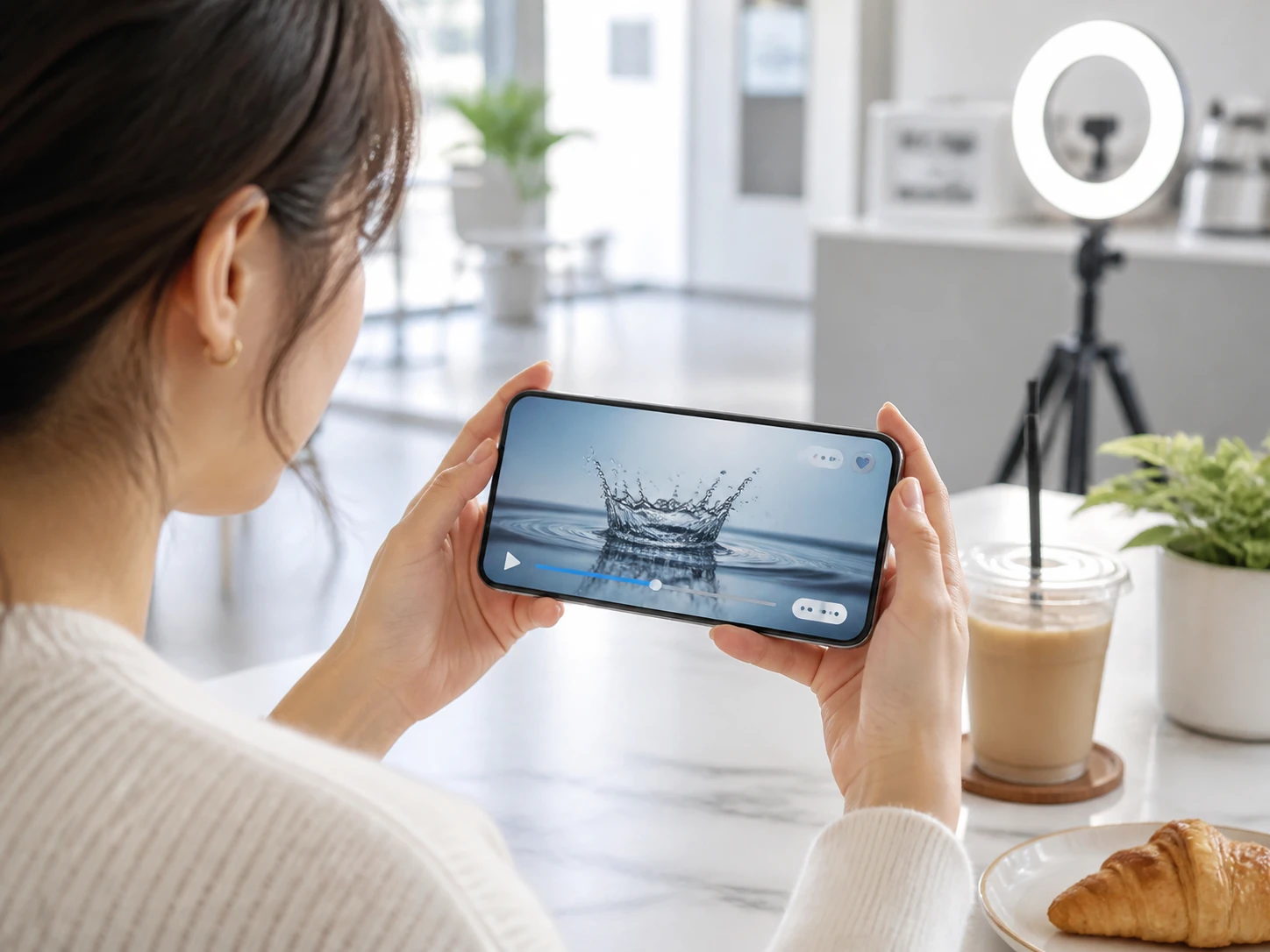
Creators And Vloggers
A slowed moment has to hold together on the phone screen where most of your audience watches. Slow Down Video rebuilds the in between frames rather than repeating them, so the subject edges link up from one frame to the next instead of jumping. Play the fastest moment back frame by frame, and if the motion breaks up, a second run at a different speed settles it before it ever reaches the feed your viewers scroll.
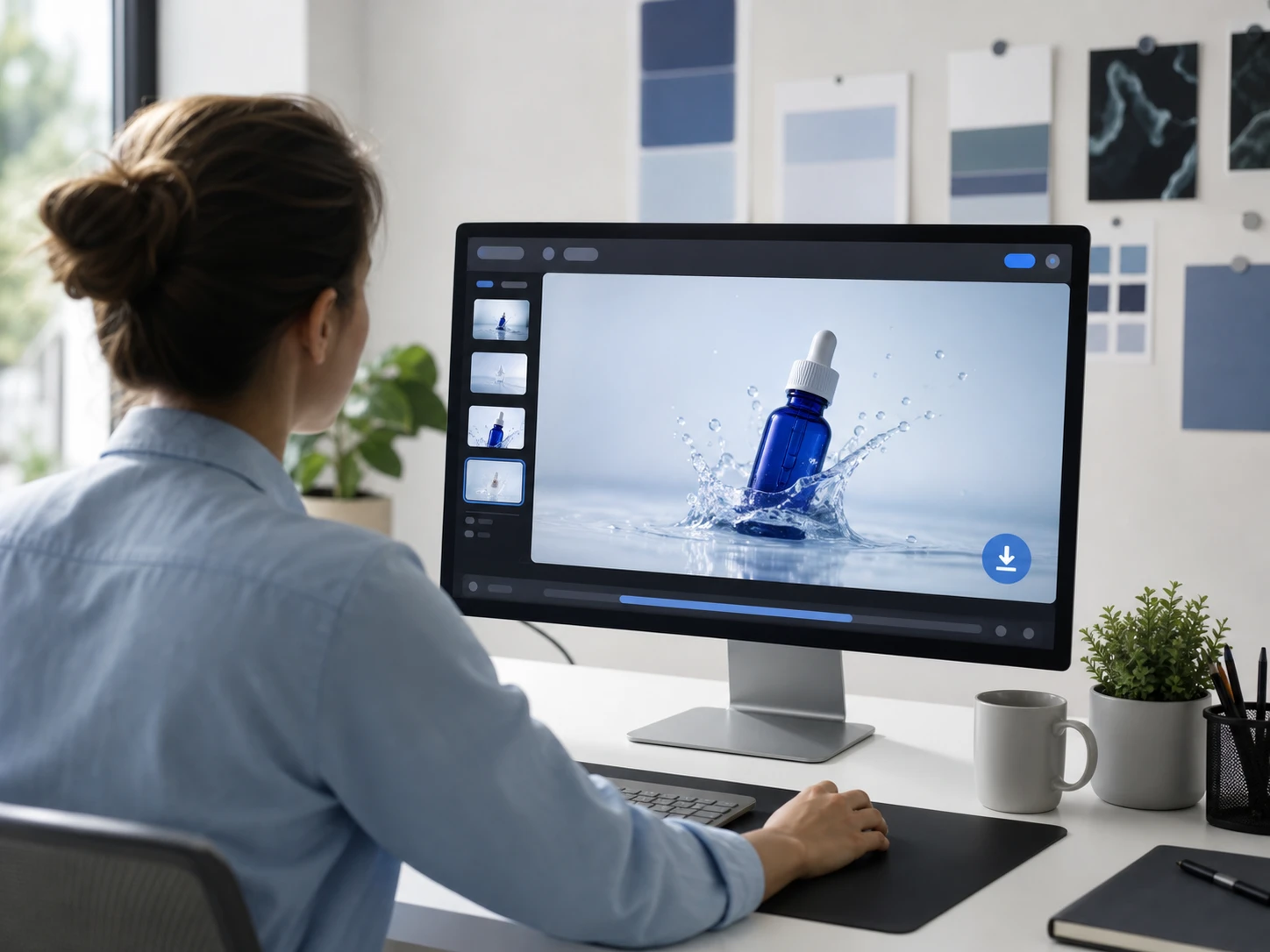
Brand And Marketing Owners
Footage that goes into a campaign has to be usable commercially and clean of any overlay. The finished slow motion video exports from Enhancers AI with no watermark, so no mark sits across the frame when the piece runs. The clip is yours to keep and use commercially, client work included, and that is what this group confirms before it ships.
What Slow Down Video Gives You
Every point below names something you can see or hear when you slow down video, not a promise you have to take on faith.
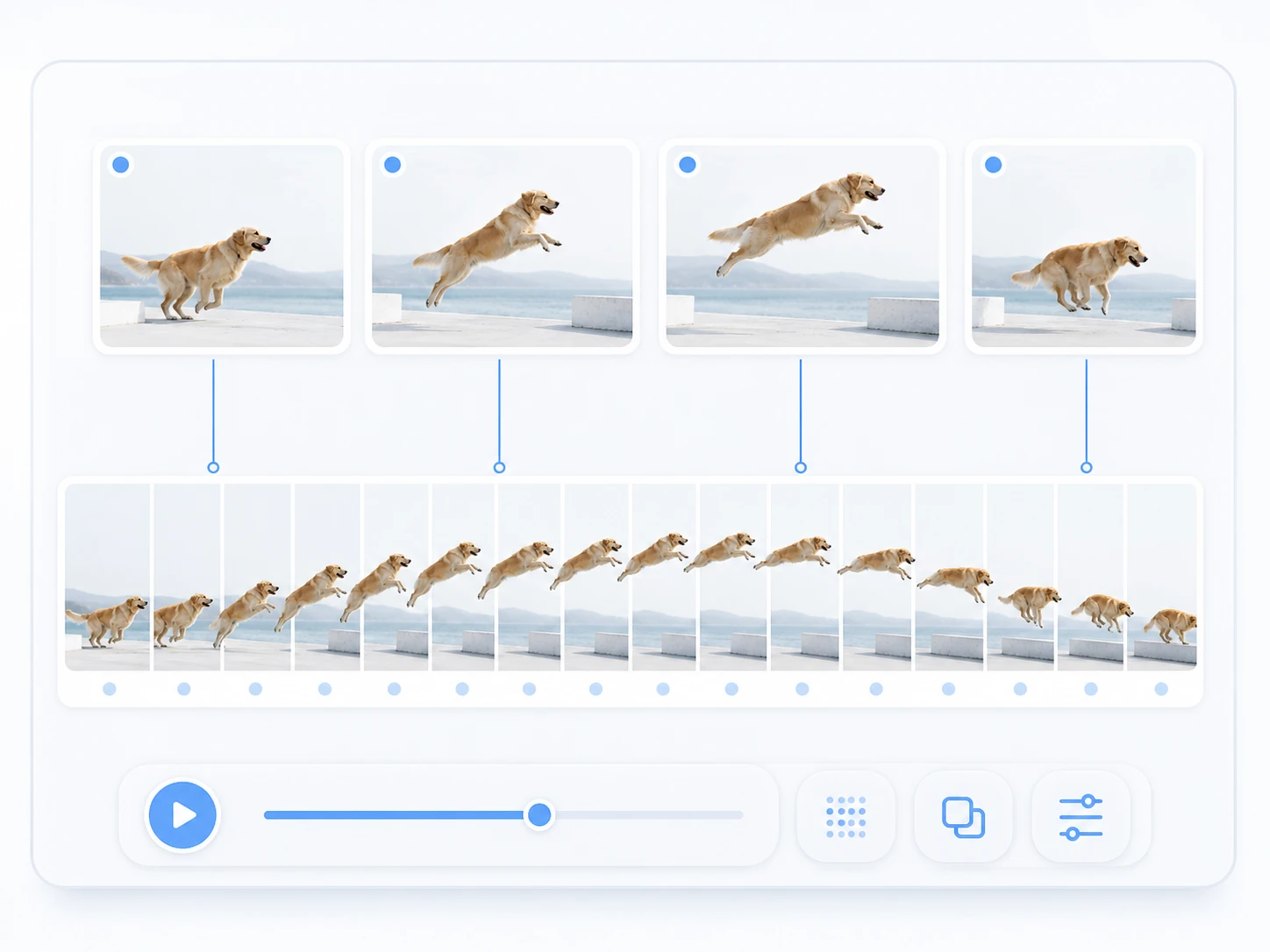
Rebuilt Frames, Not A Stretched Timeline
Most players just lower the playback rate, so once the source runs out of frames the motion stutters. Slow Down Video draws the missing in between frames instead, which is why a slow motion video stays connected. The signal to check: in the fastest segment, the subject edges land one frame after another. When the source is low frame rate or heavily motion blurred, those rebuilt frames start to smear, and that is the edge of what the footage can carry.
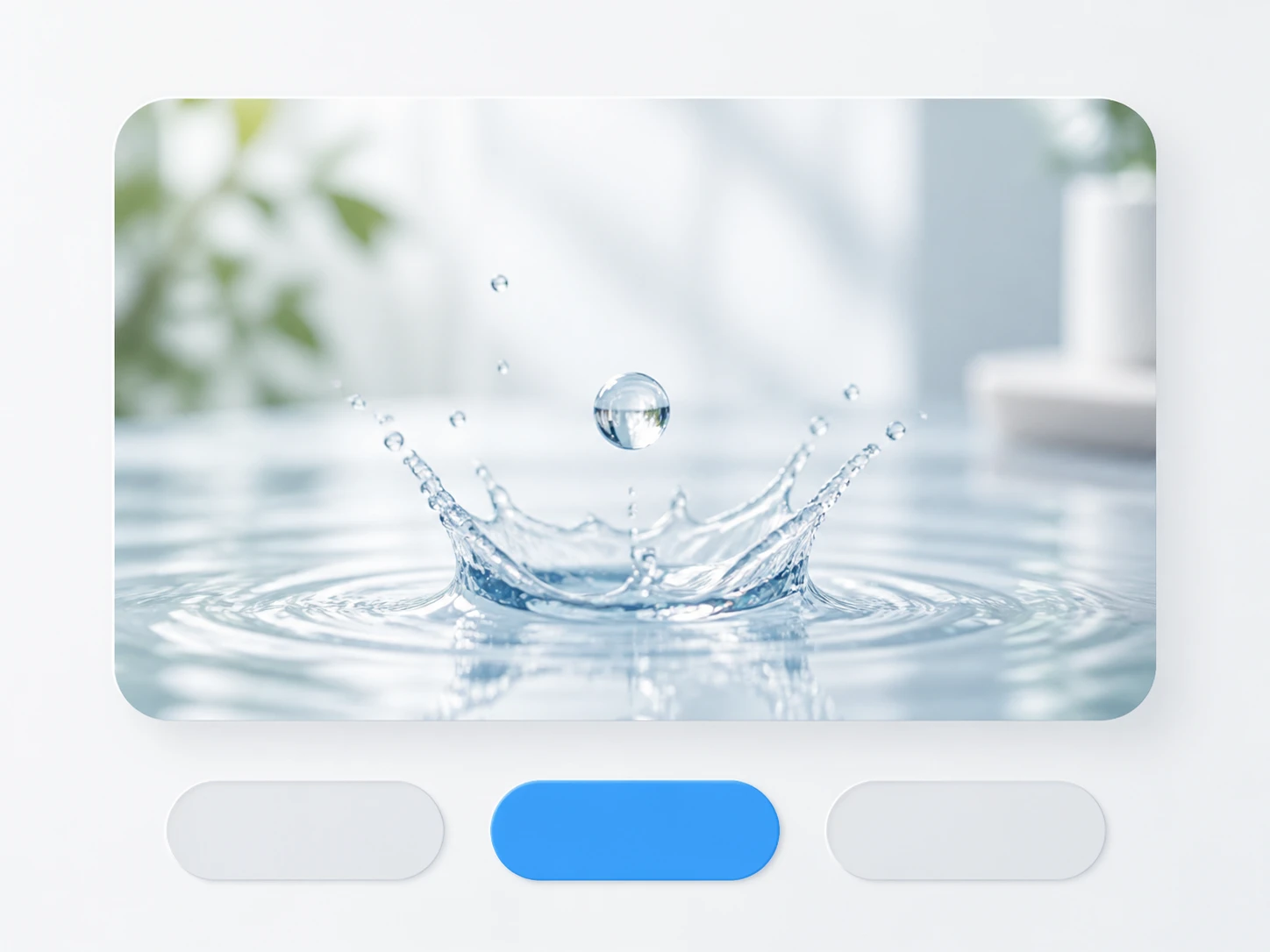
Pick 2x, 4x, Or 8x
Three depths let you slow down video online to the speed the moment needs. Start at 2x to see whether the clip holds, since that tells you how much the footage can take. Push to 4x or 8x when it does, but the deeper you go the more frames get invented, and 8x is where you watch fast movement for the first sign of drag.
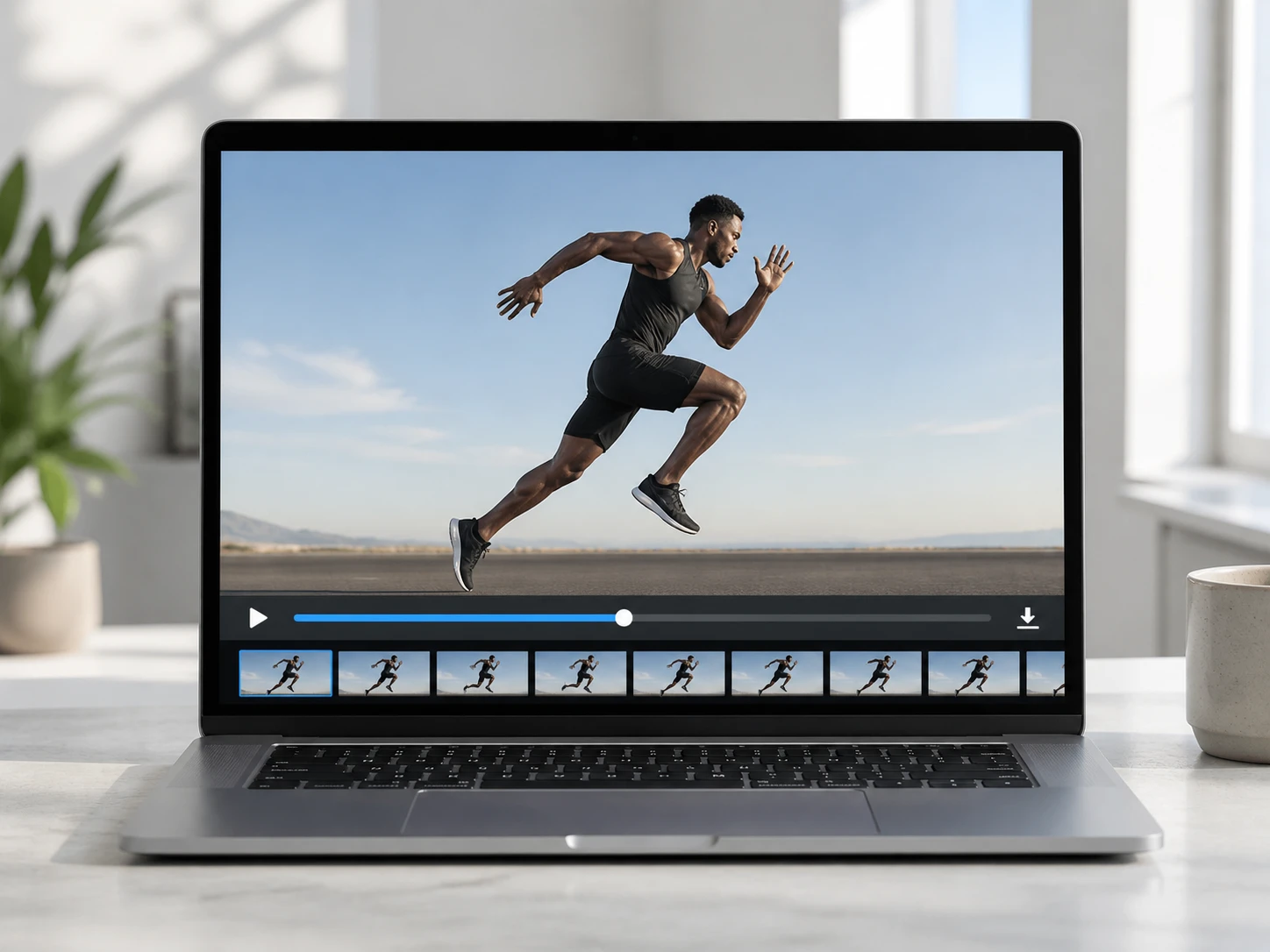
Export With No Watermark
The finished clip downloads clean, with no mark stamped across the frame, and that holds inside your starting credits. What you check is the corner and the center of the last frame; both come out of a slow motion video maker exactly as you framed them, ready to hand off.
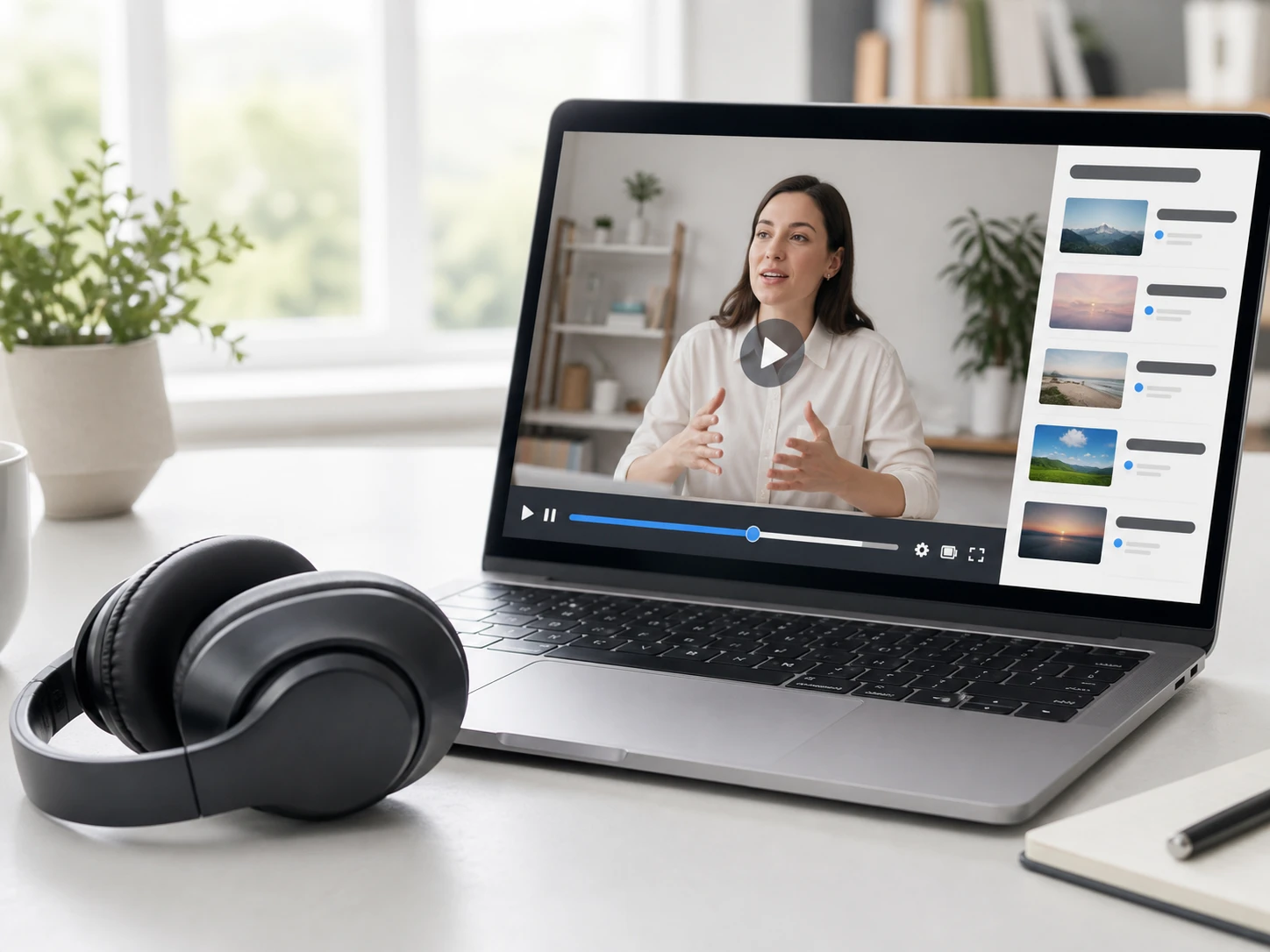
Sound Slows Along With The Picture
When you slow down video, the output keeps its audio track, and that track slows with the picture, so voices drop lower in pitch as the footage stretches. Put on headphones and play a second run: the lower voice is the natural result of the change in speed, and when your clip carries its meaning in the picture it reads fine.
How To Slow Down Video Here
Take one clip from upload to a slowed cut you have checked at full size.
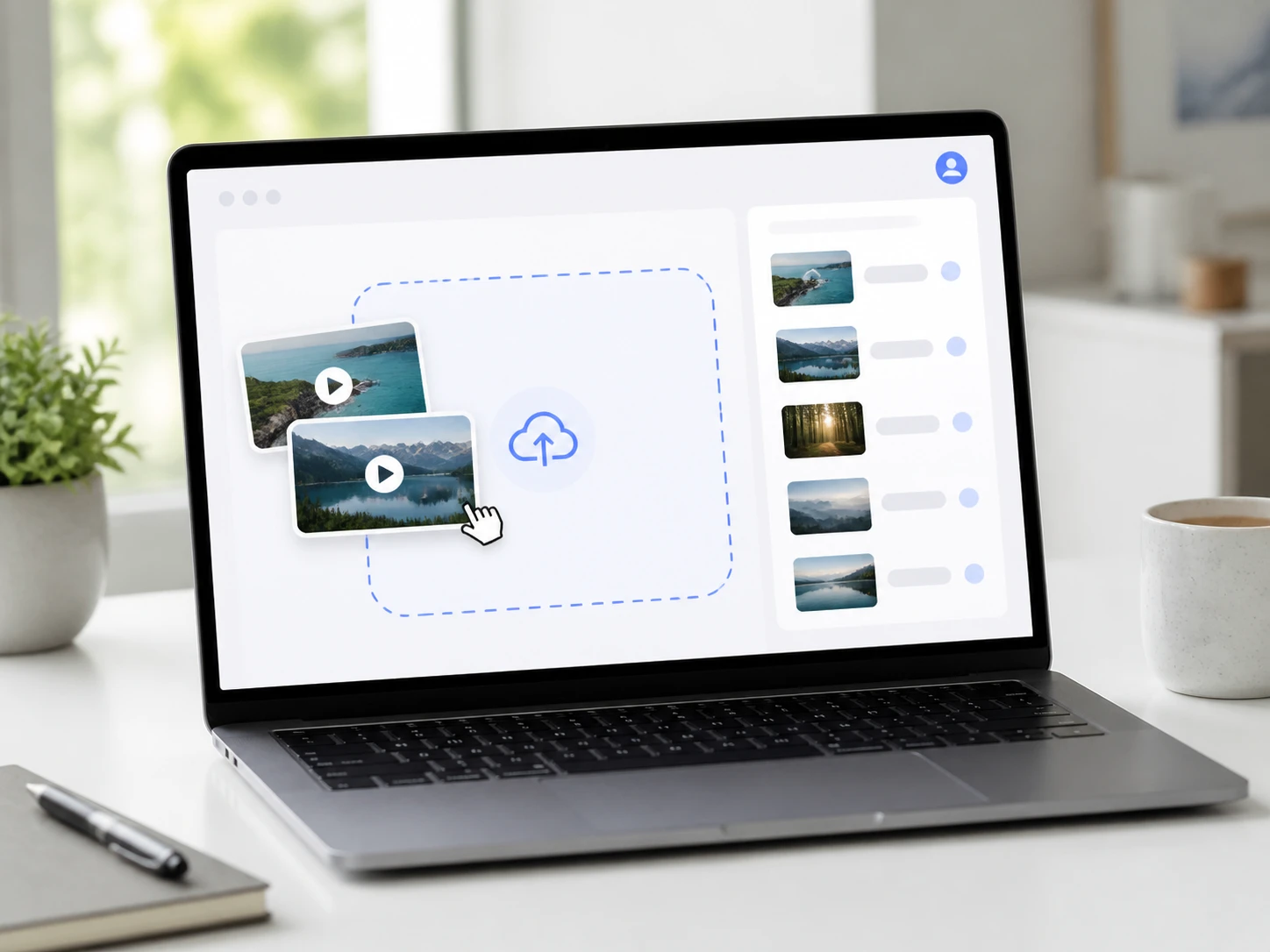
Upload Your MP4 Or MOV
Drag a file onto the page or click to add it, in MP4 or MOV, and you can send more than one clip in the same batch. You sign in first, and Slow Down Video keeps each upload and finished cut in your account space, so the processing history is there when you come back for it.
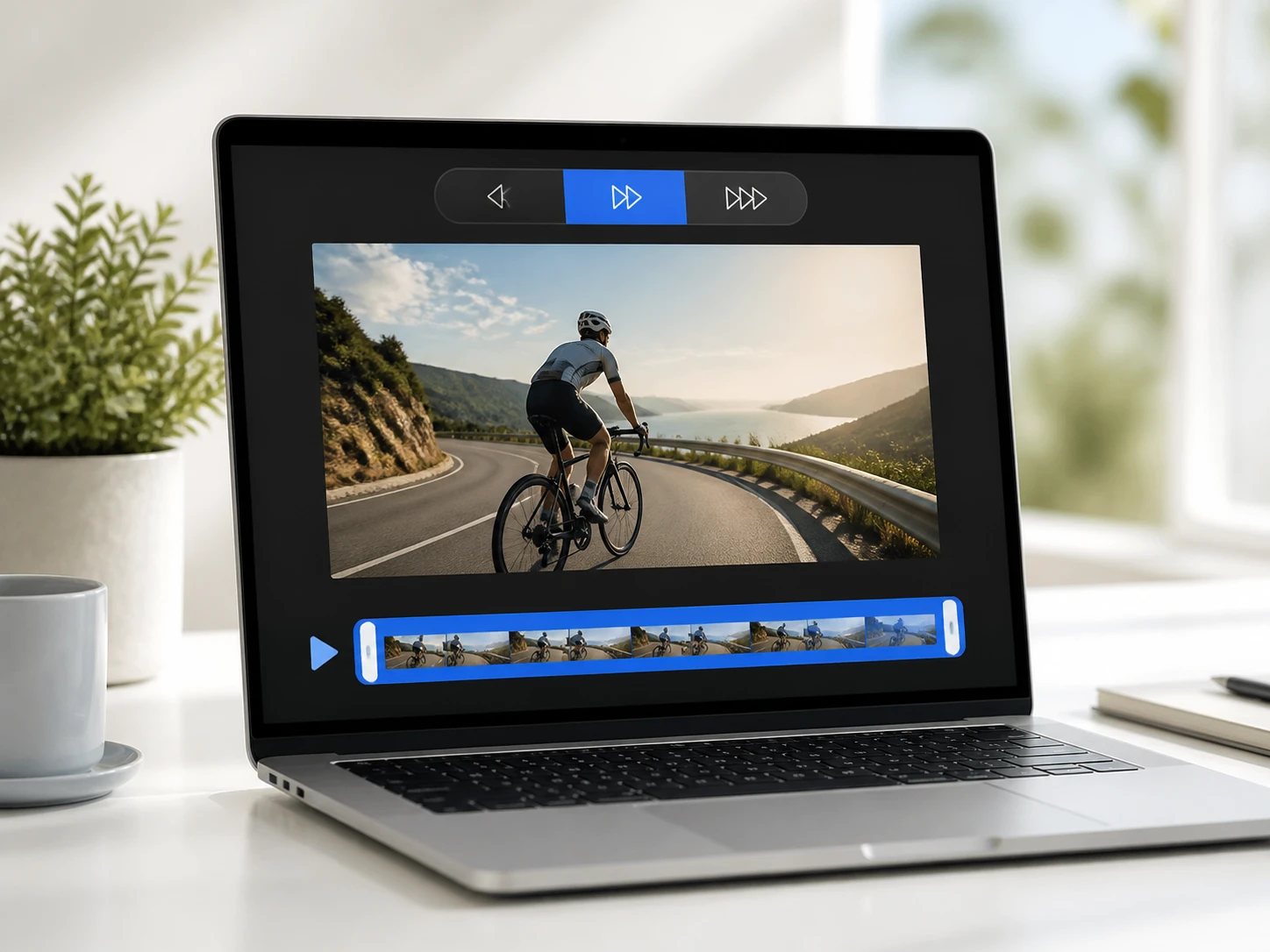
Choose 2x, 4x, Or 8x
Pick one slow motion depth, either 0.5x, 0.25x, or 0.125x speed, and it applies to the whole clip so you never have to cut a segment first. By default Slow Down Video matches a model to your footage and fills the settings, so the ai slow motion video runs without hand tuning; if you want, you can take over and pick the model or the scenario by hand.
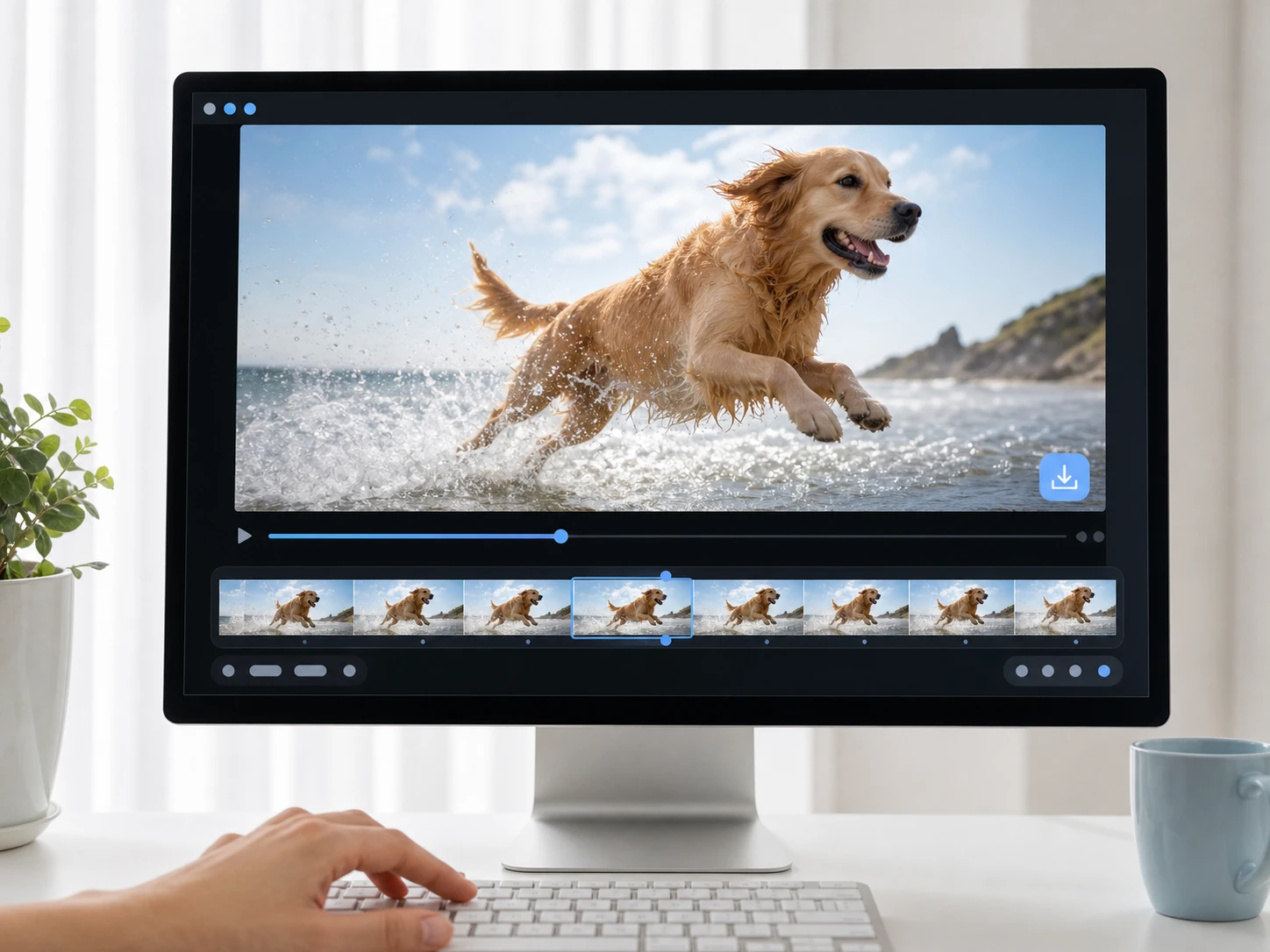
Process, Verify, Then Download
Slow Down Video rebuilds the in between frames and slows the clip to your chosen depth while the audio stretches along. Replay the fastest stretch frame by frame to confirm the edges connect; if a run drags, change the speed and run it again, then download the version that holds.
When To Slow Down A Video
Real moments where a slower, connected clip is the thing you actually needed.
The Motion Was Too Fast To Read
A racket swing, a landing, a hand movement goes by before your eye can catch it at normal speed. Slow down video to 4x or 8x and walk through it one frame at a time, and the mechanics that were a blur become something you can actually study.
A Short Clip Needs A Beat To Land
You want one moment in a social clip to breathe rather than rush past. Send it through Slow Down Video, then pull the stretch you want from the slowed version, and the beat lands where a full speed cut would have blown right through it.
You Filmed It At Normal Speed
The phone or camera rolled at regular speed and you only wanted slow motion afterward. This is exactly where Slow Down Video fits: it works as a slow motion video creator for footage you already shot, without you having turned on any capture mode at the time.
Old Footage You Want To Reuse
An older clip with a low frame rate resurfaces and you want to slow down video from it. Try 2x first to see whether the footage can carry the added frames before you commit, since a thin source shows its limits sooner than a dense one.
Slow Down Video Questions
Slow Down Video The Verified Way
Upload one clip, pick a depth, and check the slowed result frame by frame before you keep it; your first ten credits run without a credit card, and Enhancers AI exports every cut clean.